Kuycon monitors for Mac & PC – 4K, 5K & 6K displays
NEW
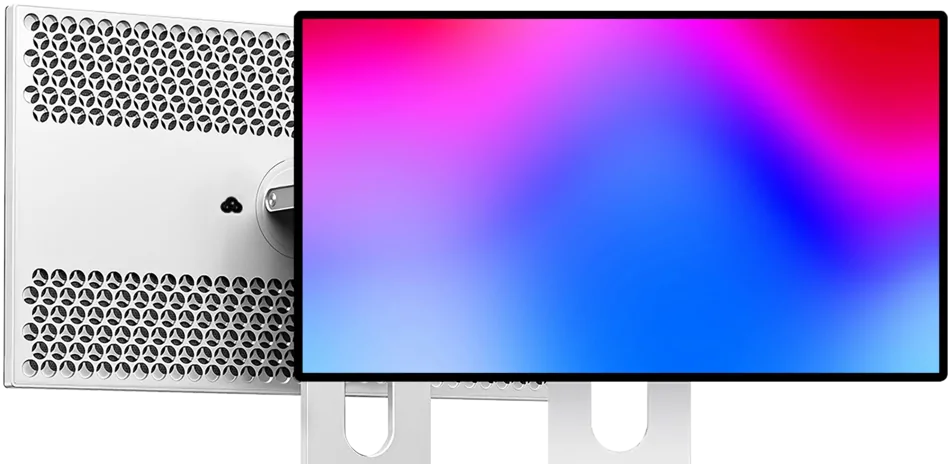
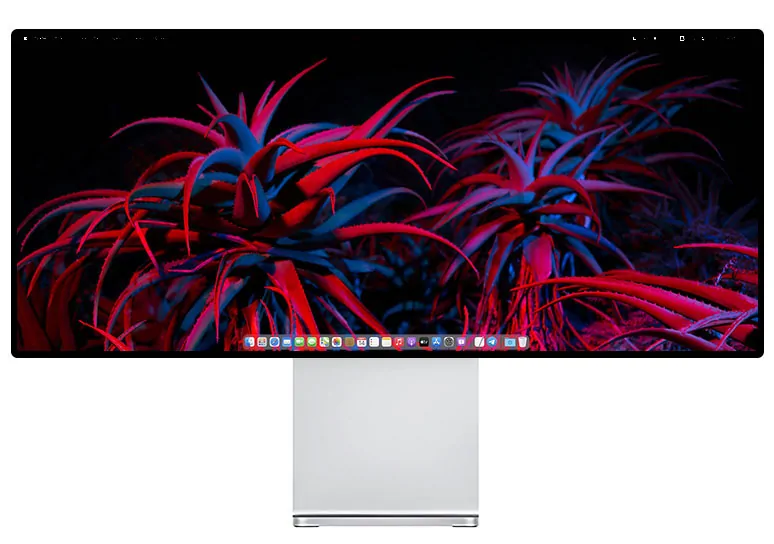
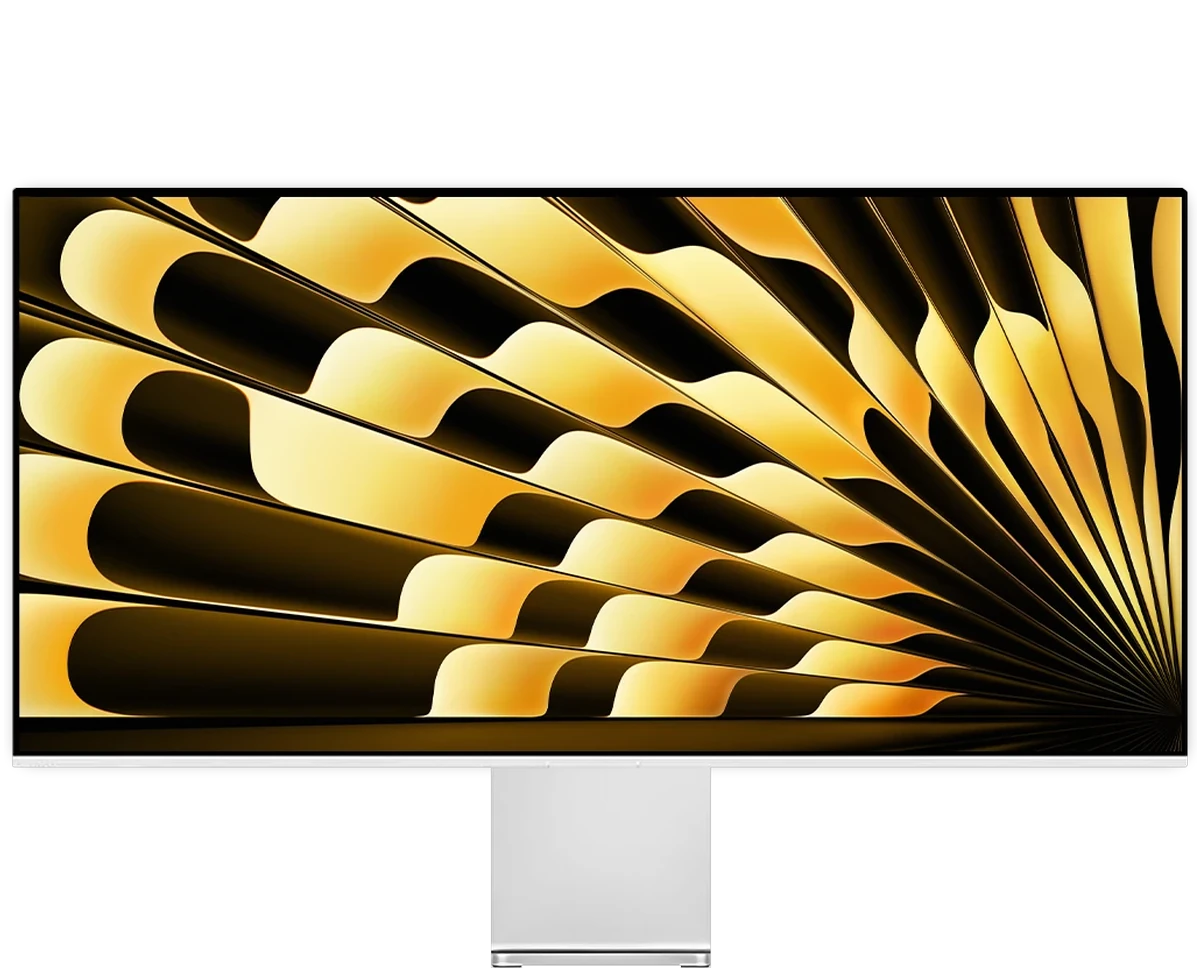
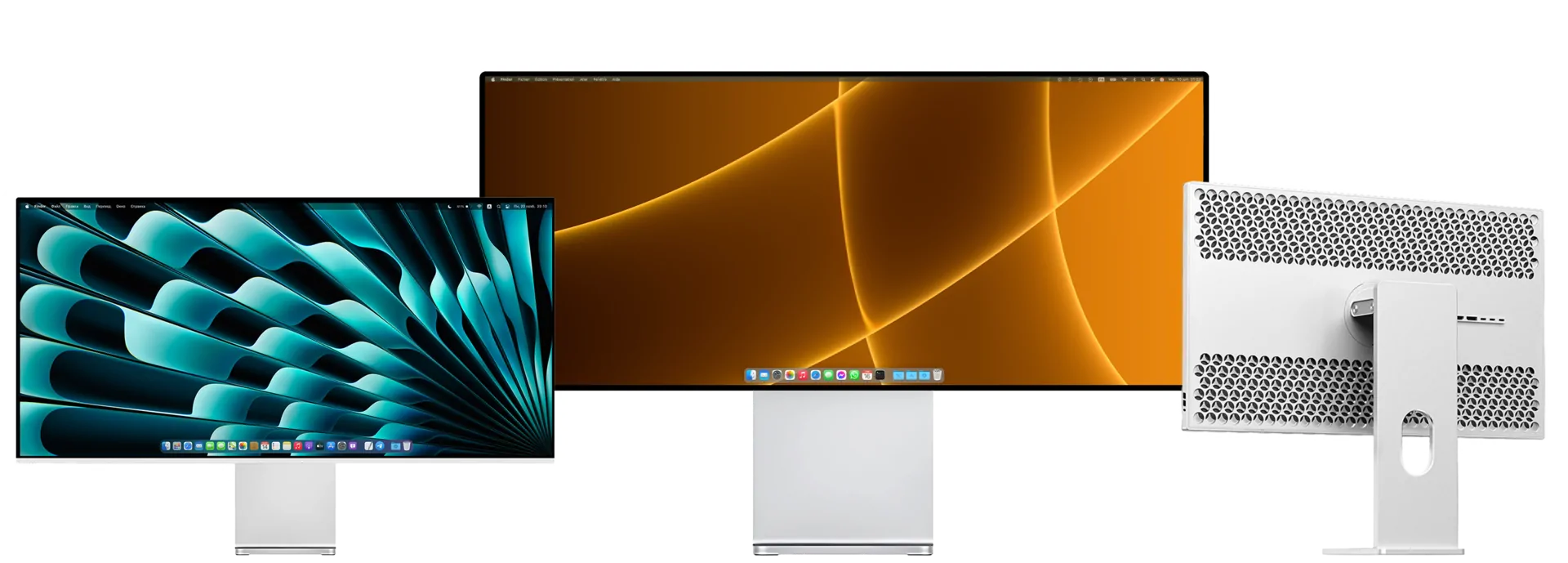
KUYCON P27Z
Our brand-new 27-inch 5K monitor
5120×2880 · 180/330 Hz · HDR 600 · 99% DCI-P3
Key specs
The Kuycon P27Z is a 27-inch 5K monitor (5120 × 2880, 218 PPI) with a dual refresh mode: 180 Hz in native 5K for creative work, or 330 Hz in QHD for gaming. Glossy IPS panel, 600 nits sustained, DisplayHDR 600, 98% DCI-P3, and a single USB-C cable with 100 W charging for Mac or PC.
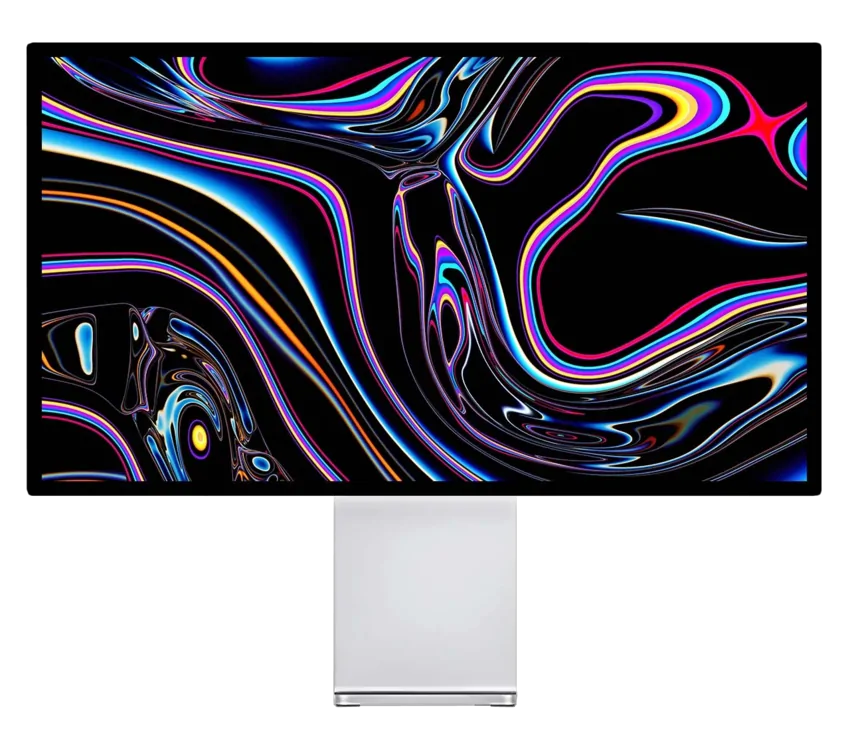
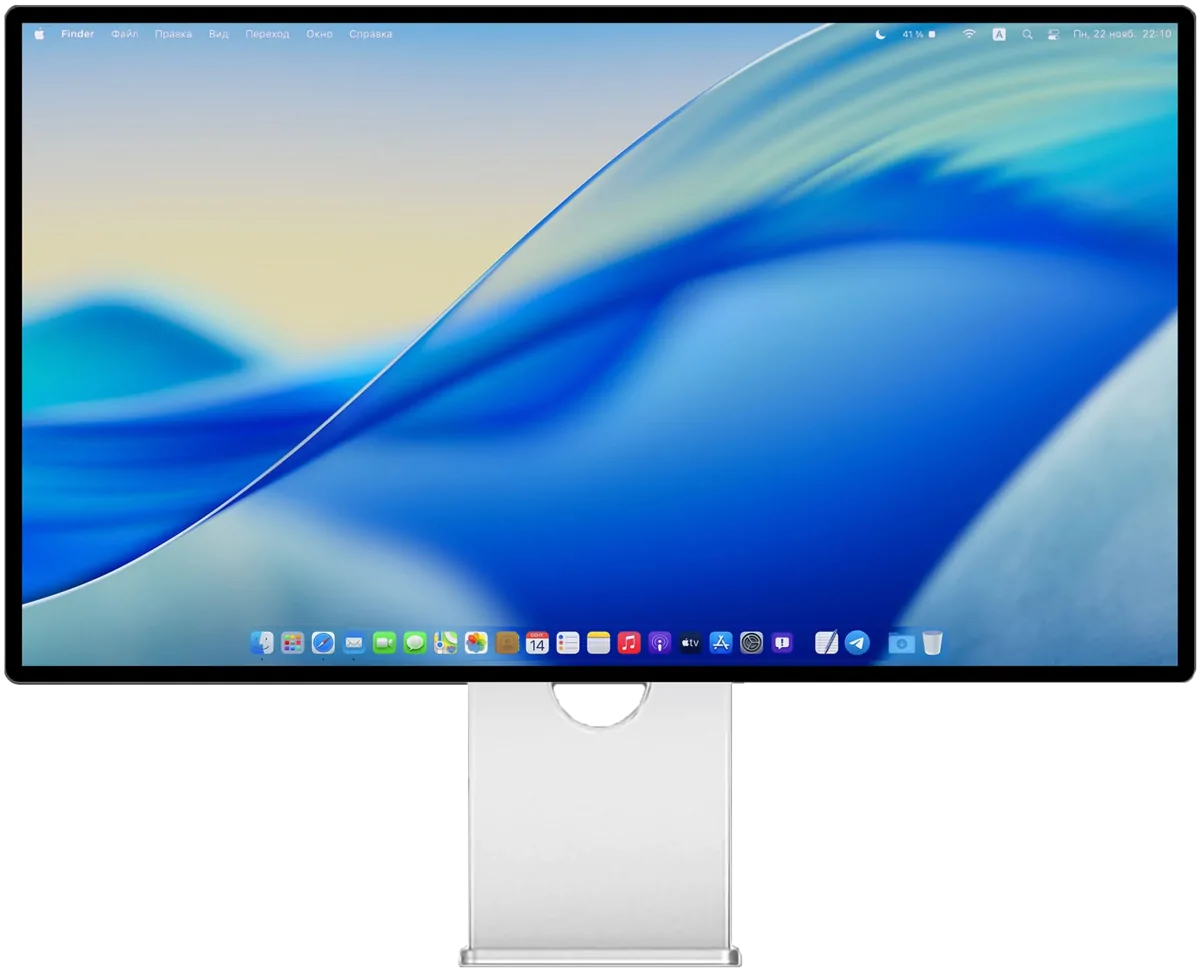
KUYCON G32P
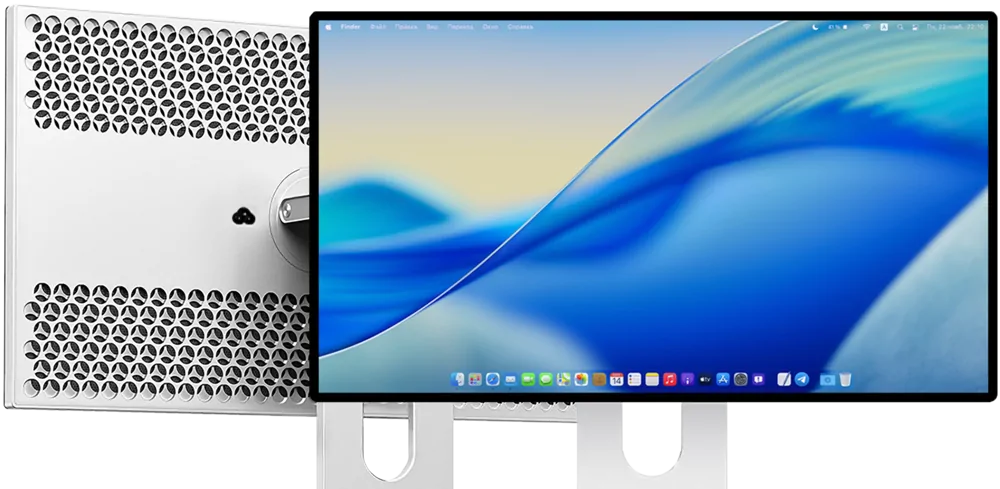
A 32" 6K monitor - stunning and immersive.
6144×3456 · Nano IPS Black · 223 ppi · 99% DCI-P3 · USB-C 100 W
Key specs
The Kuycon G32P is a 32-inch 6K monitor (6144 × 3456, 223 PPI) with an LG Nano IPS Black panel, for Mac and PC. 500 nits, 2000:1 contrast, 10-bit color with 99% DCI-P3, and a single USB-C cable carrying 6K video with 100 W charging. An alternative to the Apple Pro Display XDR.
NEW
KUYCON P27Z
Our brand-new 27-inch 5K monitor with a refresh rate of up to 180/330 Hz
Key specs
The Kuycon P27Z is a 27-inch 5K monitor (5120 × 2880, 218 PPI) with a dual refresh mode: 180 Hz in native 5K for creative work, or 330 Hz in QHD for gaming. Glossy IPS panel, 600 nits sustained, DisplayHDR 600, 98% DCI-P3, and a single USB-C cable with 100 W charging for Mac or PC.
KUYCON G32P
A 32" 6K monitor - stunning and immersive.
6144×3456 · Nano IPS Black · 223 ppi · 99% DCI-P3 · USB-C 100 W
Key specs
The Kuycon G32P is a 32-inch 6K monitor (6144 × 3456, 223 PPI) with an LG Nano IPS Black panel, for Mac and PC. 500 nits, 2000:1 contrast, 10-bit color with 99% DCI-P3, and a single USB-C cable carrying 6K video with 100 W charging. An alternative to the Apple Pro Display XDR.
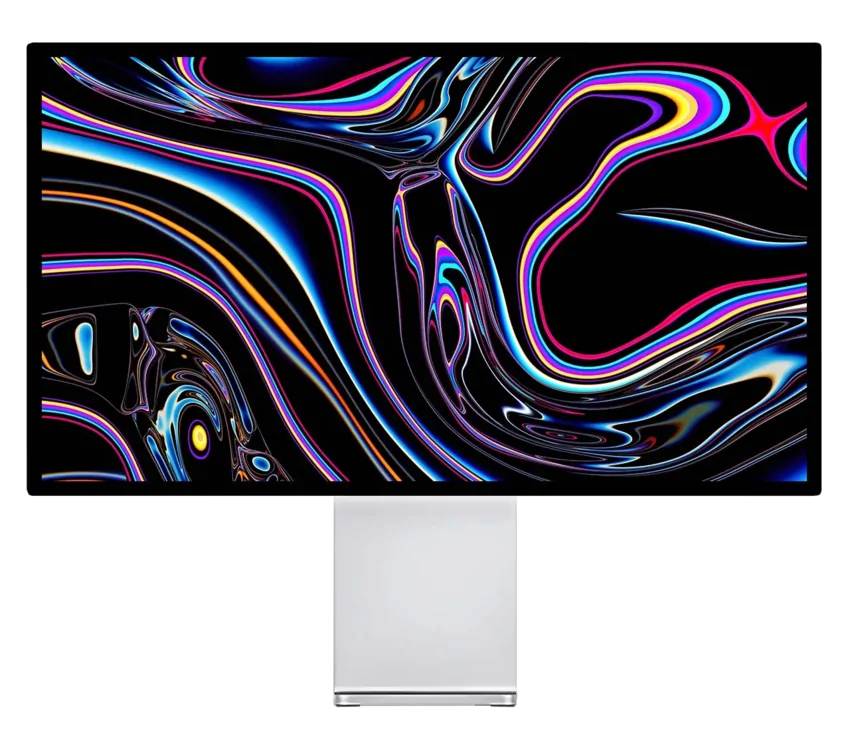
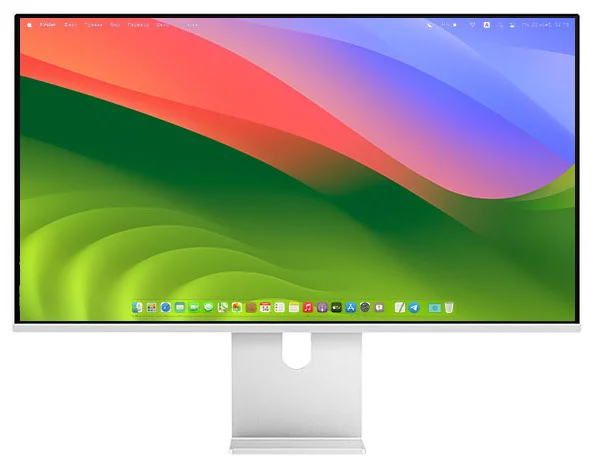
KUYCON G27P
A 27" 5K monitor - precise and immersive.
5120×2880 · IPS Black · 218 ppi · 600 nits · USB-C
Key specs
The Kuycon G27P is a 27-inch 5K monitor (5120 × 2880, 218 PPI) for Mac and PC, an alternative to the Apple Studio Display. 600 nits, 2000:1 contrast, 99% DCI-P3, up to 75 Hz, and a single USB-C cable carrying 5K video with 100 W charging, plus HDMI and DisplayPort.

KUYCON G27P
A 27" 5K monitor - precise and immersive.
5120×2880 · IPS Black · 218 ppi · 600 nits · USB-C
Key specs
The Kuycon G27P is a 27-inch 5K monitor (5120 × 2880, 218 PPI) for Mac and PC, an alternative to the Apple Studio Display. 600 nits, 2000:1 contrast, 99% DCI-P3, up to 75 Hz, and a single USB-C cable carrying 5K video with 100 W charging, plus HDMI and DisplayPort.
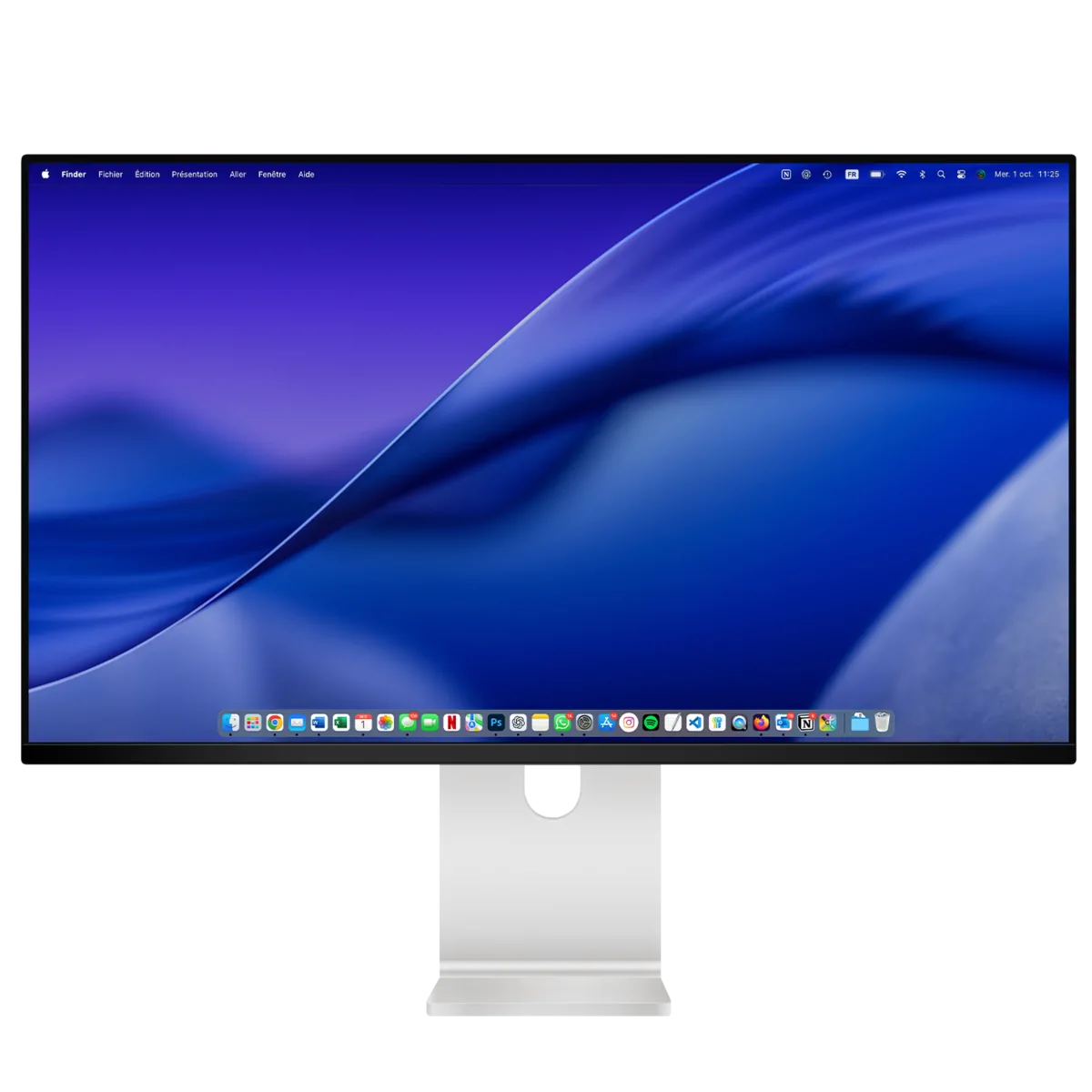
KUYCON Q34W
34" 21:9 · 3440×1440 · Fast IPS · 165 Hz · USB-C 100 W
Key specs
The Kuycon Q34W is a 34-inch 21:9 ultrawide monitor (3440 × 1440, 109 PPI) with a Fast IPS panel at 165 Hz, for gaming and wide multitasking on Mac or PC. HDR, AMD FreeSync and NVIDIA G-Sync compatible, and a single USB-C cable with 100 W charging.
KUYCON Q34W
34" 21:9 · 3440×1440 · Fast IPS · 165 Hz · USB-C 100 W
Key specs
The Kuycon Q34W is a 34-inch 21:9 ultrawide monitor (3440 × 1440, 109 PPI) with a Fast IPS panel at 165 Hz, for gaming and wide multitasking on Mac or PC. HDR, AMD FreeSync and NVIDIA G-Sync compatible, and a single USB-C cable with 100 W charging.
KUYCON P40K
40" 5K2K 21:9 · Nano IPS Black · 120 Hz · USB-C 100 W
Key specs
The Kuycon P40K is a 40-inch 21:9 ultrawide 5K2K monitor (5120 × 2160, 139 PPI) with an LG Nano IPS Black panel at up to 120 Hz. 400 nits, HDR, 96% DCI-P3, and a single USB-C cable with 100 W charging for Mac or PC: one screen instead of a dual-monitor setup.
KUYCON P40K
40" 5K2K 21:9 · Nano IPS Black · 120 Hz · USB-C 100 W
Key specs
The Kuycon P40K is a 40-inch 21:9 ultrawide 5K2K monitor (5120 × 2160, 139 PPI) with an LG Nano IPS Black panel at up to 120 Hz. 400 nits, HDR, 96% DCI-P3, and a single USB-C cable with 100 W charging for Mac or PC: one screen instead of a dual-monitor setup.
Popular models
Popular models
Frequently asked questions
Choosing a monitor for your Mac, warranty, delivery and returns.
Which Kuycon monitor is best for a Mac?
For a Mac, a 5K or 6K monitor is the best choice: at around 220 pixels per inch, macOS shows text and interfaces as sharply as on a Retina screen, without blurry scaling. Kuycon G27P: 27-inch 5K, ideal for everyday work. Kuycon G32P: 32-inch 6K, more workspace for photo, video and design. Kuycon P27Z: 27-inch 5K up to 180 Hz, if you also play games. All three connect to a MacBook with a single USB-C cable that carries the image and charges the laptop up to 100 W.
How do I connect a Kuycon monitor to a Mac or PC?
On a MacBook or an Apple Silicon Mac (M1 and later), one USB-C cable is enough on most models: it carries the image and charges the laptop. On a PC, use USB-C, DisplayPort or HDMI 2.1. Kuycon monitors work with macOS, Windows and Linux.
How long is the warranty?
2 years worldwide, from the date of purchase, whatever the delivery country. You can check the warranty on your unit with its serial number at checkcoverage.kuycon.co.
Will I pay customs duties?
For deliveries outside the EU (for example the United Kingdom), the parcel clears customs. If you choose DDP nothing is left to pay; if you choose DAP the import taxes are payable on receipt.
Can I return a screen (right of withdrawal)?
You have 14 days from receipt to change your mind. The monitor may be unpacked but must show no signs of wear, and must be returned complete, in its original condition with the original packaging and all accessories. Return shipping costs are your responsibility, except where the product is faulty.