
Explained · 2026
One panel, two refresh rates
The Kuycon W34KB runs its 34-inch 5K2K panel at up to 180 Hz, or switches to 2560 x 1080 at up to 360 Hz. Here is what each mode is for, what it takes to drive it, and when it is worth switching.
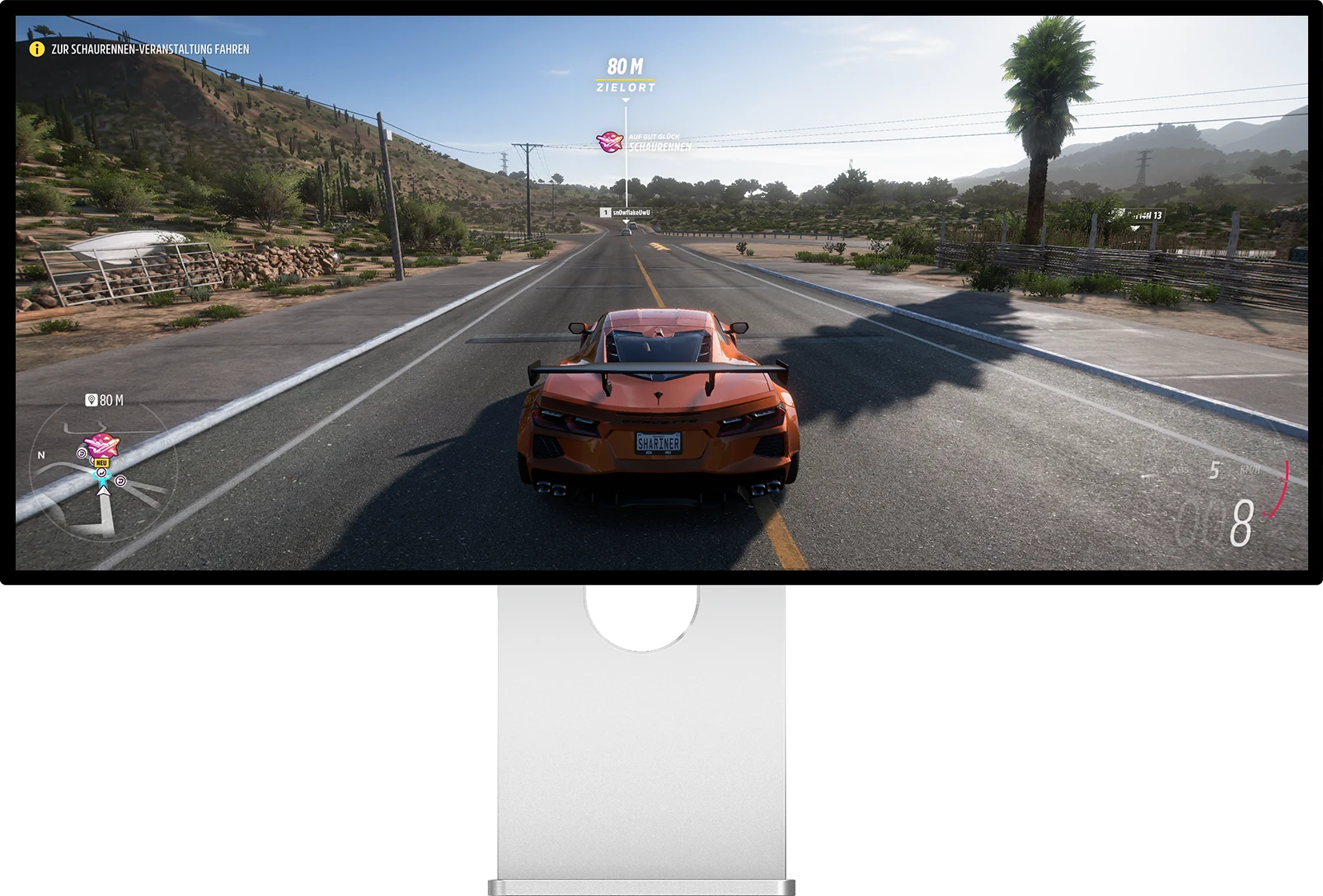
The two modes
Same panel, two ways to use it
You switch from the on-screen menu or from the IR remote supplied in the box. Nothing to install.
180 Hz · 5K2K
5120 × 2160 · native resolution
- Pixels11 million
- Density163 ppi
- Time per frame5.6 ms
- ConnectionDP 1.4 DSC, HDMI 2.1, USB-C
Made for: work, photo and video, code, and immersive games where detail matters more than the last few milliseconds. Text is sharp, the 21:9 canvas is used in full, and 180 Hz already makes scrolling and motion noticeably smoother than a 60 Hz screen.
360 Hz · WFHD
2560 × 1080 · half the grid on each axis
- Pixels2.8 million
- Physical pixels per image pixel4 (2 × 2)
- Time per frame2.8 ms
- Formatstill 21:9
Made for: competitive shooters and fast games where the frame rate is far above 180 fps. Each new image reaches your eyes twice as often, which lowers perceived latency and makes fast motion easier to track.
| 180 Hz mode5120 × 2160 | 360 Hz mode2560 × 1080 | |
|---|---|---|
| Image detail | 11 million pixels | 2.8 million pixels |
| Time between two frames | 5.6 ms | 2.8 ms |
| Pixels sent per second | about 2.0 billion | about 1.0 billion |
| Text and interface | very sharp | coarser |
| GPU load in games | heavy | light |
| Interpolation blur | none (native) | none (exact half) |
Manufacturer specifications. Frame times are 1000 ms divided by the refresh rate.
Why 360 Hz comes with a lower resolution
Every refresh is a full image to compute and to send down the cable. At 5120 x 2160 and 180 Hz the W34KB already receives about two billion pixels per second, which is why it relies on DisplayPort 1.4 with DSC or HDMI 2.1 FRL. Doubling the refresh rate at the same resolution would double that flow again, and in practice no graphics card renders a modern game at 5K2K anywhere near 360 frames per second.
Dropping to 2560 x 1080 divides the pixel count by four. The graphics card can then produce the very high frame rates competitive games are built for, and the link has bandwidth to spare.
Why the 360 Hz mode does not look blurry
A lower resolution on a high-resolution panel usually means a soft image, because the screen has to stretch pixels that do not line up with its own grid. The W34KB avoids that: 2560 x 1080 is exactly half of 5120 x 2160 on each axis, so every image pixel is drawn by a clean block of 2 x 2 physical pixels. There is no interpolation, just bigger pixels. It is the same principle as the dual mode on our P27Z.
What you need for each mode
For 5K2K at 180 Hz, the source must output DisplayPort 1.4 with DSC (or DP 2.1), or HDMI 2.1 FRL at 48 Gbps. On NVIDIA that means Turing and newer, from the GTX 1650 to the RTX 5090; Maxwell and Pascal cards cannot. On AMD it means RDNA and newer, from the RX 5500 to the RX 9070 XT; Polaris and Vega cannot. Intel integrated graphics and Arc drive the display, but not at the full 5120 x 2160 at 180 Hz.
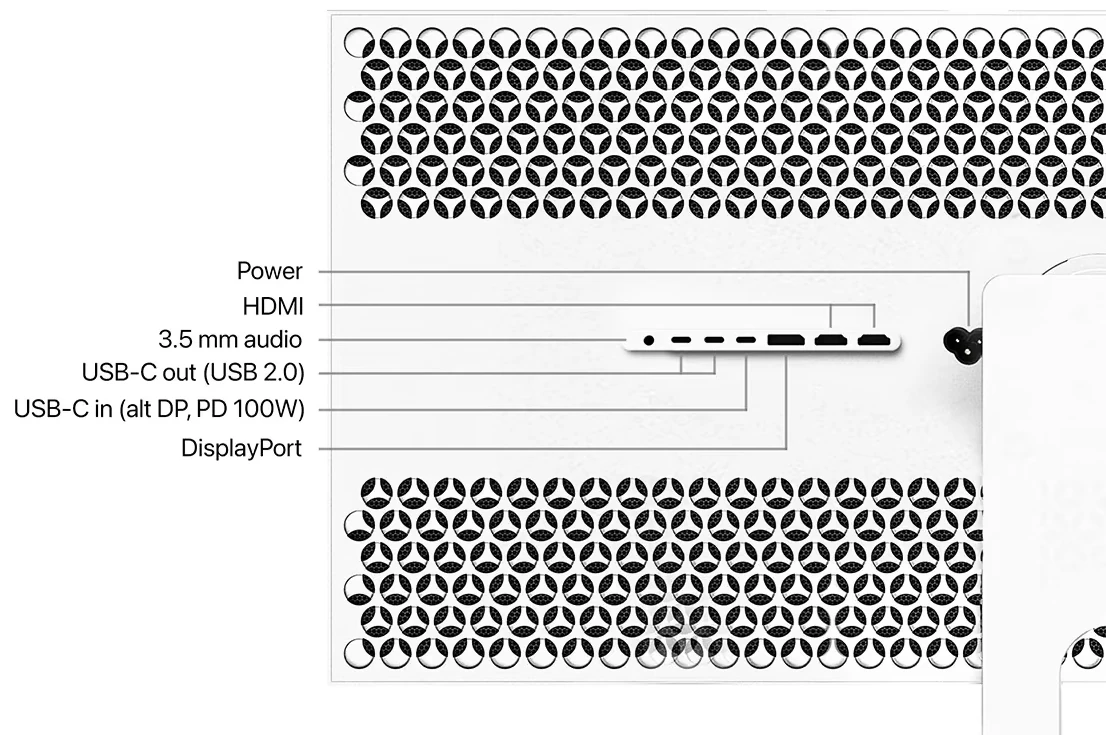
For 360 Hz, bandwidth is no longer the bottleneck: the limit becomes the frame rate your game actually reaches. The mode pays off when a title runs well above 180 frames per second, which is typical of lightweight competitive games rather than the latest graphically heavy releases.
In both modes, AMD FreeSync and NVIDIA G-Sync Compatible adaptive sync remove tearing when the frame rate falls below the refresh rate, and the 1 ms grey-to-grey response keeps fast motion clean.
Consoles and Macs
PlayStation 5 and Xbox Series X/S connect over HDMI and get 4K at 60 Hz with HDR. Consoles do not output the panel's native 5120 x 2160, and neither mode changes that: the dual mode is a PC feature.
On a Mac, a single USB-C cable carries 5K2K video, USB data and up to 100 W of charging. The refresh rates on offer depend on your Mac and its port; macOS lists them under System Settings, Displays. For daily Mac use the native mode is the one to keep, and our guide to scaling a 5K2K ultrawide on a Mac covers the right settings.
Our recommendation
Leave the W34KB in 5K2K at 180 Hz for almost everything: work, creative software, films and most games. Switch to 360 Hz only for competitive shooters where your graphics card already exceeds 180 frames per second. Since the switch takes a few seconds from the remote, there is no reason to choose once and for all.
FAQ
W34KB dual mode: frequently asked questions
Does the W34KB reach 360 Hz at 5120 x 2160?
No. 360 Hz is reached in WFHD, 2560 x 1080. At its native 5120 x 2160 resolution the W34KB runs at up to 180 Hz.
Does 2560 x 1080 look blurry on a 5K2K panel?
No. 2560 x 1080 is exactly half of 5120 x 2160 on each axis, so each image pixel is drawn by a block of 2 x 2 physical pixels, without interpolation. The image is less detailed but stays clean.
Which graphics card do I need for 5K2K at 180 Hz?
A card with DisplayPort 1.4 and DSC, or HDMI 2.1 FRL at 48 Gbps: NVIDIA Turing and newer (GTX 1650 to RTX 5090) or AMD RDNA and newer (RX 5500 to RX 9070 XT). Maxwell, Pascal, Polaris and Vega cards cannot.
Can a PS5 or an Xbox use 180 Hz or 360 Hz?
No. A PlayStation 5 or an Xbox Series X/S connects over HDMI in 4K at 60 Hz with HDR. Consoles do not output the native 5120 x 2160 resolution.
How do I switch between the two modes?
From the on-screen menu, or with the IR remote supplied in the box. No software or driver is needed.
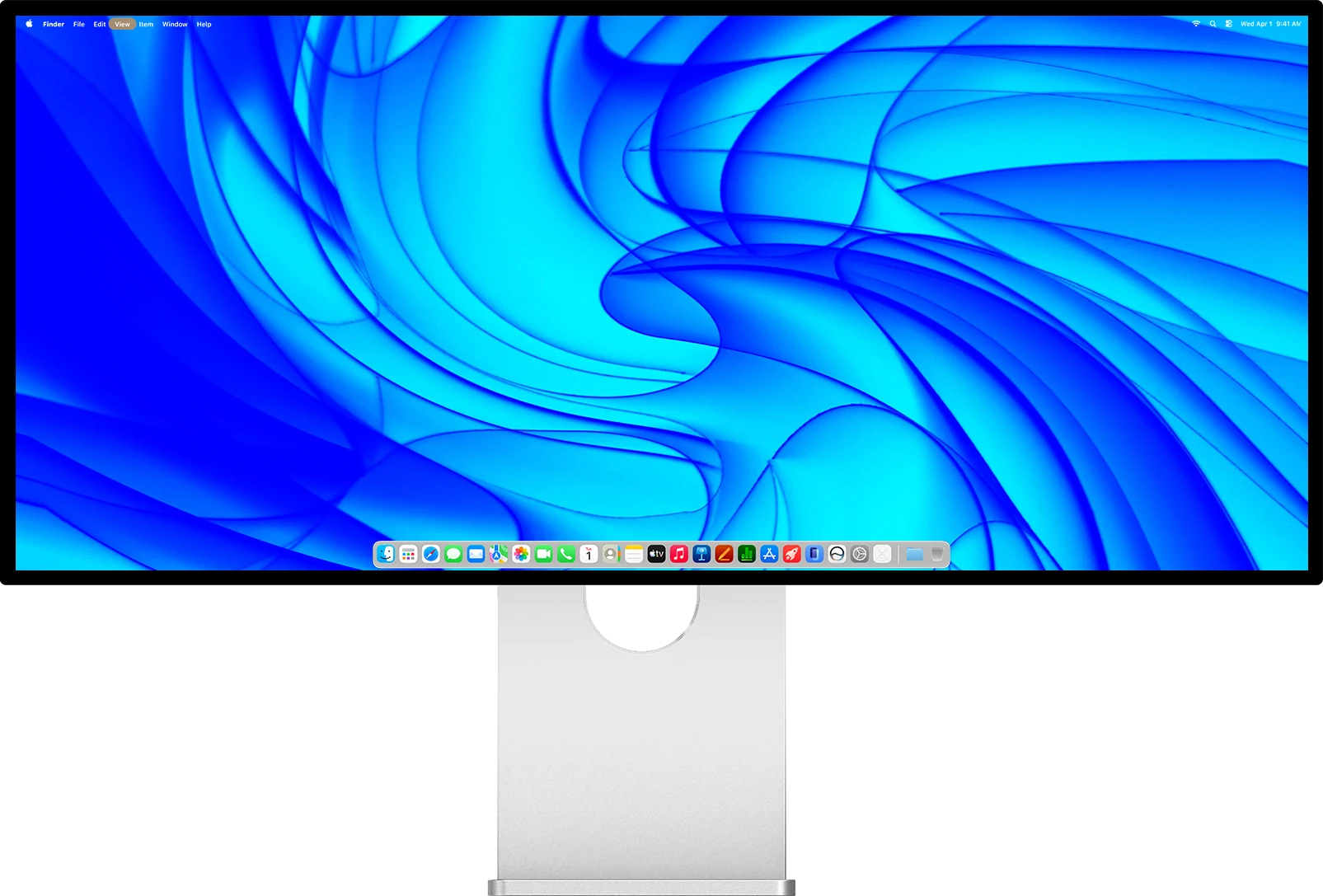
Kuycon W34KB
34-inch 5K2K, 180 Hz or 360 Hz at the press of a button. From 1 119,00 €, shipped from Europe with after-sales service in Europe.
See the W34KBWritten in October 2026 from the manufacturer's specifications. Prices are shown in your currency.