
Buying guide · Updated in 2026
IPS, IPS Black, Nano IPS, QD-OLED: which panel to choose
Behind these acronyms lie very concrete differences: the depth of blacks, colour fidelity, display speed and lifespan. Here is what each technology changes day to day, and which Kuycon monitors use which.
The technologies
Five panels, five trade-offs
IPS — the versatile benchmark
IPS dominates the market for a good reason: very wide viewing angles, stable colours, controlled price. Its weak point is contrast, generally around 1000:1: black appears dark grey there, which shows in a dark room. It is the panel in the P27L, P27D and G32X.
Fast IPS — accelerated IPS
Same principle, reduced response time. The gain shows on fast-moving images: less trailing behind a moving object. Contrast, on the other hand, does not change. It is what the P32K and Q34W use, two monitors at 144 and 165 Hz.
Nano IPS — IPS widened in colour
A layer of nanoparticles filters the backlight to refine the light spectrum. The result: higher DCI-P3 coverage, and therefore more accurate reds and greens. It is the technology in the large P40K and P40U formats.
IPS Black — doubled contrast
The real advance of recent years in IPS. By improving the way the panel blocks light in the off state, IPS Black doubles the contrast ratio to 2000:1, without losing any of the qualities of IPS. The shadows in a photo, the dark areas of a film, an interface in dark mode: everything gains from it. It is the panel in the G27P and the G32P.
QD-OLED — absolute black
Here there is no backlight at all: each pixel produces its own light, and a black pixel is simply switched off. Hence a contrast ratio of 1,500,000:1, unbeatable response times and highly saturated colours. Two trade-offs: sustained full-screen brightness is lower than on an IPS, and a still image displayed for hours on end, every day, stresses the panel in a way an IPS never notices. That is the Q32S.
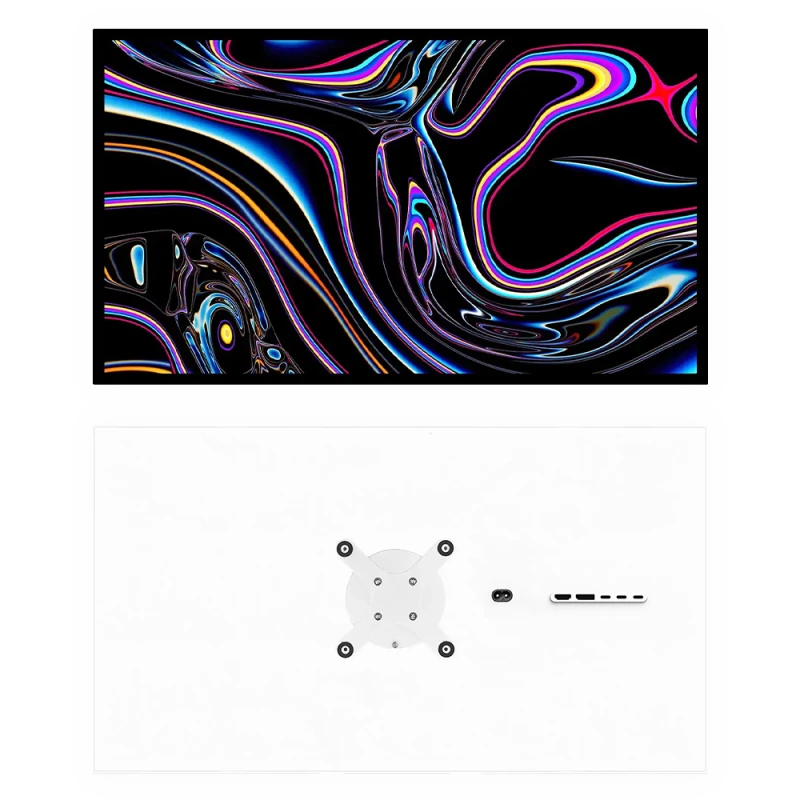
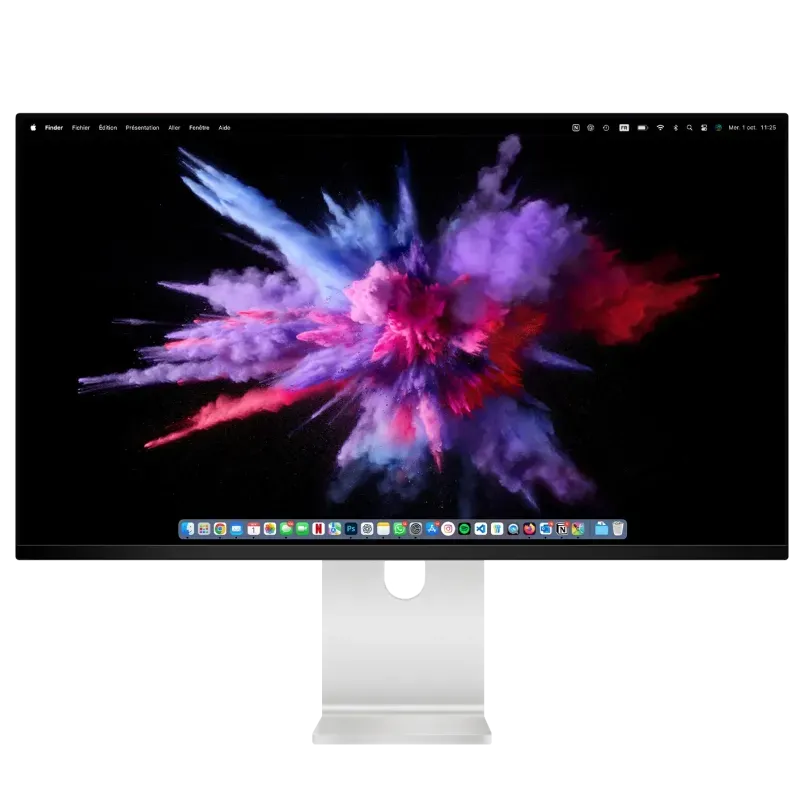
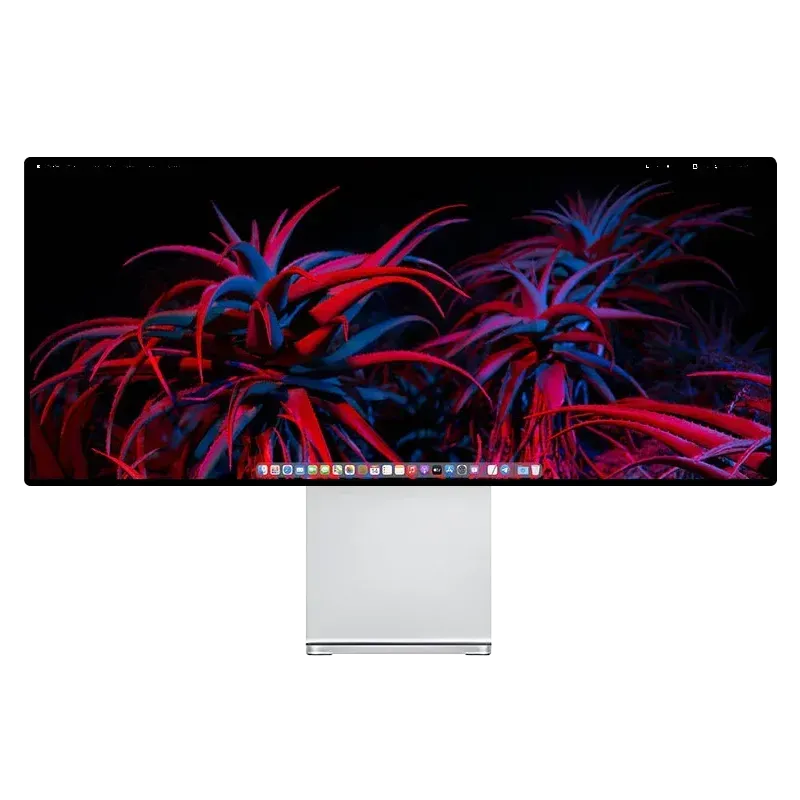
In pictures
Three panels from the range
The technology does not show in a photo; what it changes shows on screen.
Comparison
The technologies head to head
| IPS | Fast IPS | Nano IPS | IPS Black | QD-OLED | |
|---|---|---|---|---|---|
| Contrast | 1000:1 | 1000:1 | 1300:1 | 2000:1 | 1 500 000:1 |
| Colours | Good | Good | 98 % DCI-P3 | 99 % DCI-P3 | 99 % DCI-P3 |
| Speed | Acceptable | High | High | Acceptable | The best |
| Sustained brightness | 400 to 600 nits | 500 to 600 nits | 340 to 400 nits | 500 to 600 nits | 250 nits |
| Burn-in risk | None | None | None | None | To watch |
| Kuycon models | P27L, P27D, G32X, P27Z | P32K, Q34W | P40K, P40U | G27P, G32P | Q32S |
Manufacturer figures, varying by model. Sustained brightness is the level held full screen, not the peak over a small area.
How to choose, in practice
Start from the room and the use, not from the spec sheet.
- You work in a bright room, on light documents: an IPS or IPS Black panel, whose sustained brightness is high, will stay more comfortable than an OLED.
- You edit photos or grade video: IPS Black offers the best balance — doubled contrast, 99% DCI-P3, perfectly stable behaviour over time.
- You game and watch films in a dimly lit room: QD-OLED has no rival. Black really is black there, and responsiveness is unmatched.
- You play competitively: Fast IPS or QD-OLED, depending on whether price or image quality comes first.
- Your monitor shows the same interface ten hours a day: stay with an IPS panel, whichever variant. The burn-in risk on OLED is low, but it is not zero in that specific use.
Contrast, the number people underestimate
Brightness and resolution catch the eye on a spec sheet; contrast, on the other hand, shows every day. Going from 1000:1 to 2000:1 does not double an abstract sensation: it makes the details of an underexposed photo readable, it gives depth to a dark theme, it avoids that greyish veil on night scenes.
It is also the hardest number to make up for with a setting: you can turn down the brightness of a monitor that is too bright, you cannot manufacture black on a panel that does not produce it.
Should you fear OLED burn-in?
The phenomenon is real but often exaggerated. It concerns strictly static images, displayed for a long time, repeatedly: a menu bar, a channel logo, a software interface that is always identical. Recent panels include compensation mechanisms, and mixed use — gaming, video, browsing — poses no problem.
The question to ask is simple: will this monitor display the same thing in the same place, several hours a day, for years? If so, IPS is the untroubled choice. If not, QD-OLED offers an image quality no backlit panel can match.
FAQ
Panel types: frequently asked questions
What is the difference between IPS and IPS Black?
Contrast, doubled: 2000:1 instead of 1000:1. IPS Black blocks light better in the off state, which makes blacks genuinely deep instead of appearing dark grey. Everything else — viewing angles, colour stability, absence of burn-in — is identical to IPS.
QD-OLED or IPS Black for work?
IPS Black for daily professional use: high sustained brightness, no burn-in risk with static interfaces, stable behaviour. QD-OLED if the monitor is mainly for gaming and video, where its 1,500,000:1 contrast has no equivalent.
What does Nano IPS bring?
A finer light spectrum thanks to a layer of nanoparticles, and therefore wider colour coverage — up to 98% of DCI-P3. It is a gain in colour fidelity, not in contrast or speed.
Is Fast IPS useful outside gaming?
Little. The gain concerns response time, and therefore fast-moving images. For office work, development or photography, a well-made conventional IPS panel gives an identical result.
Will an OLED necessarily burn in?
No. The risk concerns strictly static images displayed several hours a day, repeatedly. Recent panels include compensation mechanisms, and mixed use poses no problem. If your monitor has to display the same interface all day, prefer an IPS panel nonetheless.
Choose the panel, not the acronym
Five technologies in the Kuycon range, from the doubled contrast of IPS Black to the absolute black of QD-OLED. Delivery and after-sales service in Europe, 2-year warranty in the European Union.
See all Kuycon monitorsGuide written in August 2026. The specifications are those published by the manufacturer at that date and are subject to change; check the product page before buying.