
Professions · Updated in 2026
Architecture, CAD, BIM: which monitor for drawings
A drawing is not a photo: it is a tangle of thin lines, dimensions and layers that has to be read without constantly zooming. Two criteria therefore prevail: the real display surface, and how finely one-pixel lines are rendered.
Our selection
Two ways to gain room
More pixels at Retina density, or more usable width.
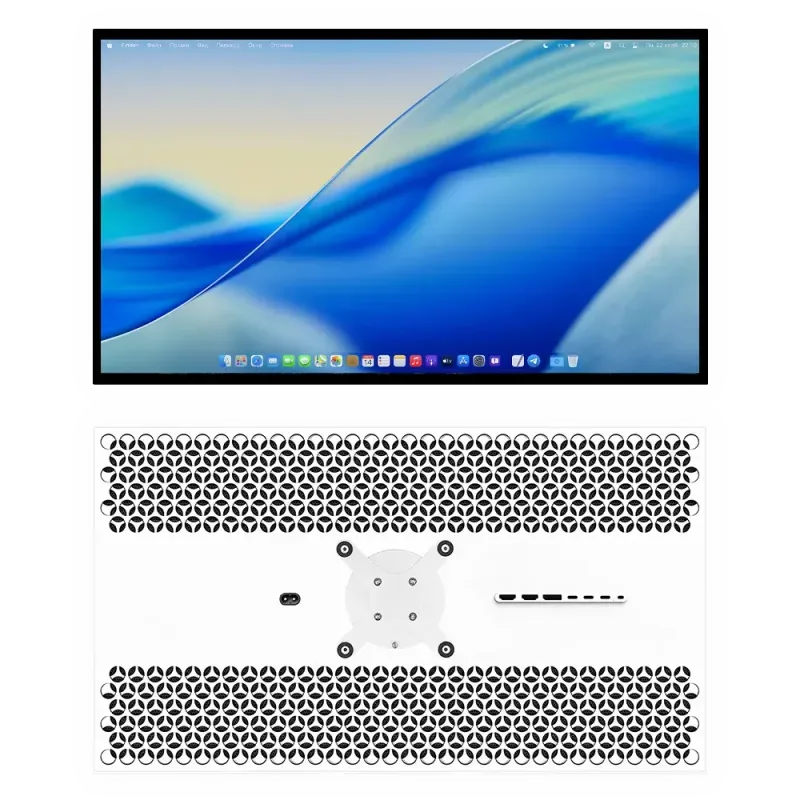
Kuycon G32P
32" · 6K · 21,2 Mpx
From 1 469,90 € incl. VAT
- Resolution6144 × 3456
- Density223 ppi
- Contrast2000:1
- Colours99 % DCI-P3
- Depth10-bit
- InputsDP 2.1, 2 × HDMI 2.1
Why we recommend it: 21.2 million pixels means a complete drawing legible with the tool palettes around it, and one-pixel lines that stay crisp instead of bleeding. The 2000:1 contrast clearly separates overlaid layers.
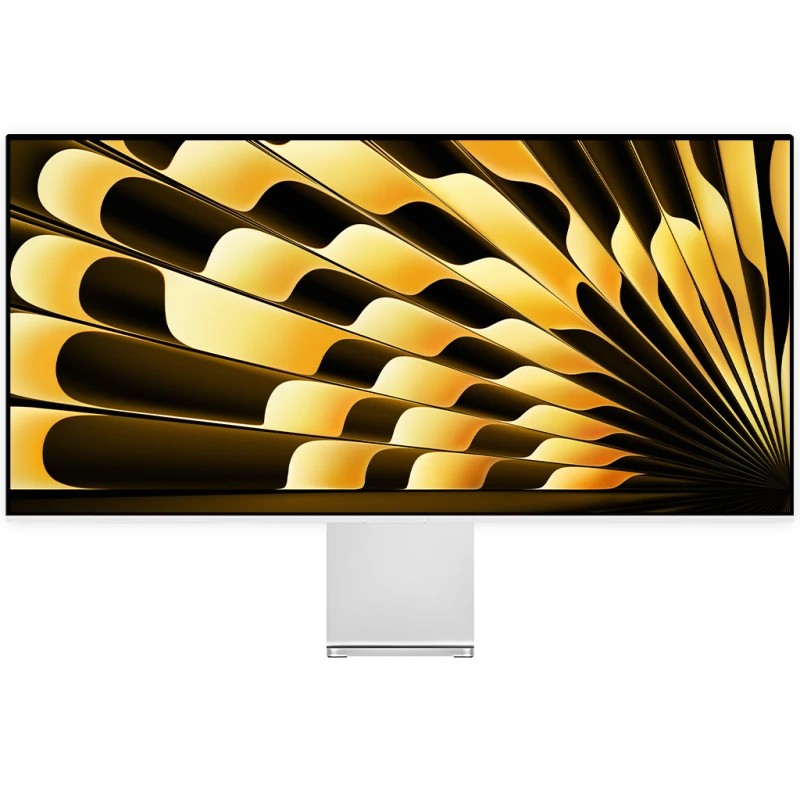
Kuycon P40K
40" · 21:9 · 5120 × 2160
From 1 209,90 € incl. VAT
- Resolution5120 × 2160
- Format21:9
- Legible at100 %
- Colours98 % DCI-P3
- Finishmatte
- USB-C100 W
Why we recommend it: 5120 points wide, legible with no scaling: a whole elevation fits on screen, with the layer tree and a 3D view beside it. Its matte finish suits a well-lit practice.
Usable surface or fineness: the trade-off specific to CAD
This is where the reasoning differs from photography or text. In CAD, workspace in interface points often counts more than density, because it is the palettes, the tree and the dimensions that fill the screen.
- The P40K displays 5120 × 2160 points genuinely usable at 100%: it is the largest workspace in the range, by far.
- The G32P displays 3072 × 1728 points in Retina scaling, but every line is drawn with four times as many pixels: fine lines and hatching stay perfectly legible.
The practical rule: if you spend your time in dense 2D drawings, favour surface. If you work a lot on rendering, textures or mixed documents, favour density. Our comparison 5K or 6K details that reasoning.
Thin lines, the real test
A line of zero thickness is displayed on one pixel. On a low-density panel, that pixel is large and the line looks coarse; on a panel badly set in scaling, it can even disappear in places. That is why a high-density panel, at integer scaling, is more restful for reading drawings than its theoretical workspace would suggest.
Colour and layers
CAD does not demand the colour rigour of photography, but it does demand separation: telling eight layers of neighbouring colours apart at a glance. Coverage of 98 to 99% of DCI-P3 and a depth of 10 bits help with that, as does high contrast, which stops dark lines merging into a grey background.
Two monitors, or one very wide one?
Many practices work with a drawing on one monitor and a 3D view or a schedule on the other. A 40-inch 21:9 replaces that setup without the central bezel, with one cable and one set of settings. The subject is covered in dual monitors: setting them up properly.
FAQ
CAD and architecture: frequently asked questions
Which monitor for CAD or BIM?
The P40K if you mainly work on dense 2D drawings: 5120 × 2160 points usable at 100%, the largest surface in the range. The G32P if you alternate between drawings, renders and documents: 21.2 million pixels at Retina density.
Should you favour surface or density?
Surface for 2D drawings loaded with palettes and dimensions; density for mixed work including renders and textures. In CAD, space in interface points often counts more than in photography.
Is an ultrawide monitor suitable for CAD software?
Very much so: unlike consoles, professional software handles the 21:9 format perfectly. A 40-inch replaces a dual-monitor setup without a central bezel.
Is colour accuracy important?
Less than in photography, but colour separation counts: telling eight layers of neighbouring hues apart requires good DCI-P3 coverage, 10 bits and high contrast.
Which graphics card should you plan for?
For the display, a recent card supporting DSC compression is enough. For real-time 3D rendering, power becomes decisive; see our guide on choosing a graphics card.
Room for your drawings
Up to 5120 points wide, or 21.2 million pixels at Retina density. 2-year warranty in the European Union.
See all Kuycon monitorsGuide written in August 2026. The specifications are those published by the manufacturer; check the product page before buying.