
Head to head · 2026
One P40K or two 27-inch monitors?
At a comparable budget, you can set up a single 40-inch 5K2K or two 27-inch monitors side by side. The two setups offer roughly the same surface. They are not used in the same way at all.
Comparison
One panel, or two
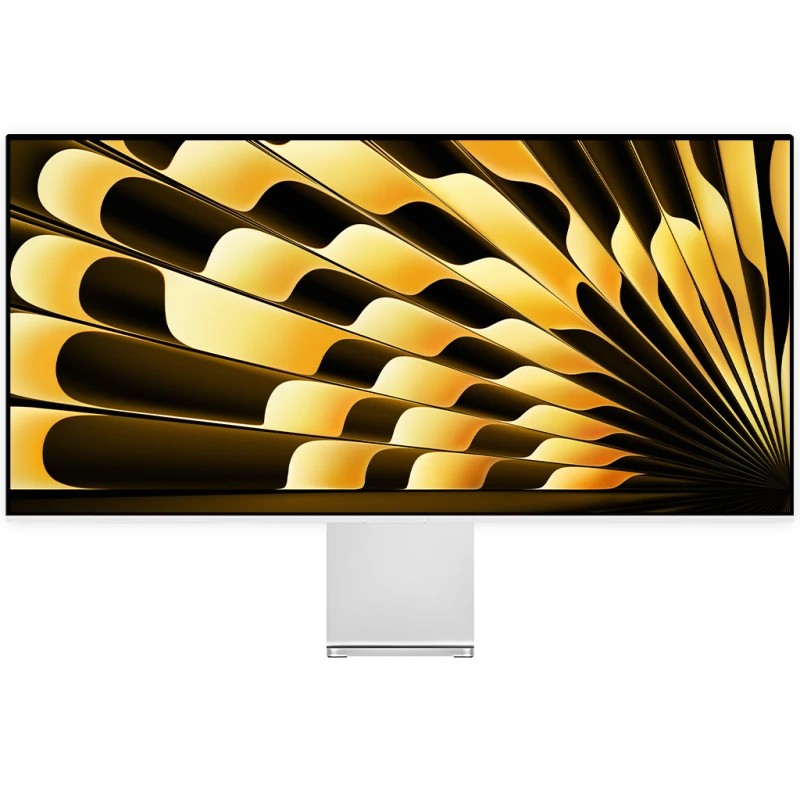
Kuycon P40K
40" · 5K2K · Nano IPS · 120 Hz
From 1 279,00 € incl. VAT
- Resolution5120 × 2160
- Density139 ppi
- PanelNano IPS
- Refresh rate120 Hz
- Contrast1300:1
- Finishmatte
Why we recommend it: 5120 pixels wide with no bezel at all in the middle, one cable, one stand. For video editing and audio, it is the most comfortable setup.
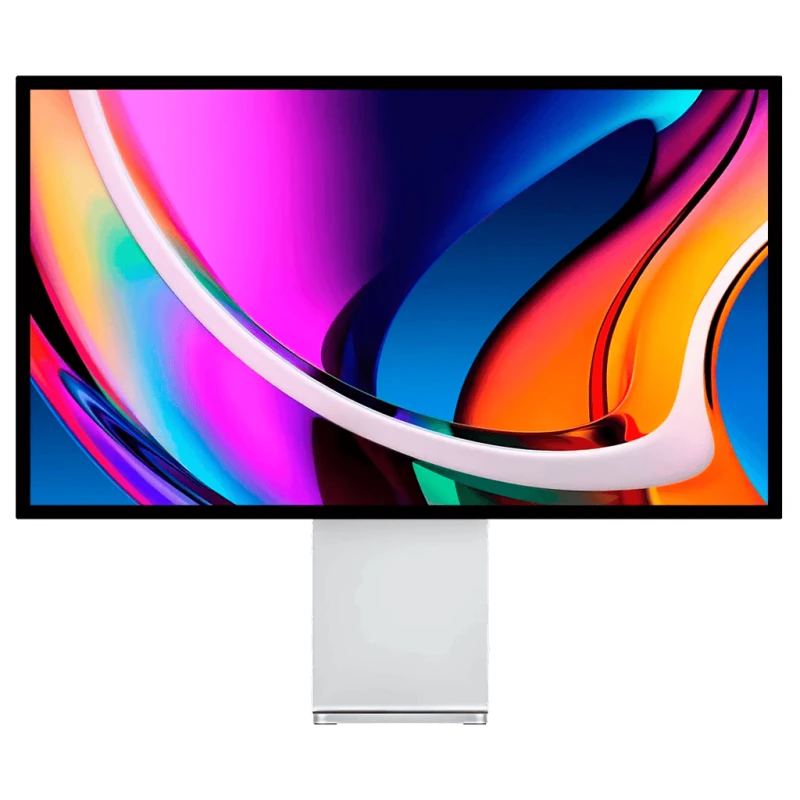
Two Kuycon P27D
2 × 27" · 4K · 144 Hz
From 1 458,00 € both
- Resolution2 × 3840 × 2160
- Density163 ppi
- Usable height2160 px
- Refresh rate144 Hz
- Central bezelyes
- Orientationindependent
Why we recommend it: more height, more pixels in total, and the ability to turn one of the two into portrait. Each monitor is angled separately.
| P40K | Two P27D | |
|---|---|---|
| Pixels in total | 11 million | 16.6 million |
| Usable height | 2160 px | 2160 px |
| Usable width | 5120 px continuous | 7680 px, split |
| Bezel in the centre | none | yes |
| Density | 139 ppi | 163 ppi |
| Refresh rate | 120 Hz | 144 Hz |
| Cables | a | two |
| Footprint | one stand | two stands |
| Portrait mode | no | yes, on one of the two |
| Price | 1 279,00 € | around €1,458.00 |
Price of two P27D as an indication, without stands. Manufacturer specifications.
What the central bezel really changes
It is the only argument that decides, and it depends entirely on your profession.
If you work on a single very wide object — an editing timeline, an audio session, a stock chart, a timeline of events — the bezel cuts the object in two. That is unbearable in use, and no software setting fixes it. The P40K is the right choice.
If you work on several things side by side — a browser and a code editor, a document and its reference, an email client and a spreadsheet — the bezel becomes a useful separator. It saves you constantly resizing windows. Two monitors are the right choice.
Two monitors, more pixels — but not more height
This is the point often misunderstood. Two 27-inch 4K monitors total 16.6 million pixels against 11 for the P40K, but the usable height is identical: 2160 pixels in both cases. You only gain width, in two pieces.
The real gain from two monitors is density — 163 against 139 ppi — and the ability to turn one of the two into portrait, which transforms the reading of long documents and code.
The practical side
The P40K connects over a single USB-C cable, occupies one stand and leaves the desk clear. Two monitors means two power cables, two video cables, two stands — or a dual arm, which remains the best solution but adds to the budget.
Count the electricity consumption and the heat too: two backlit panels produce noticeably more than one.
Our recommendation
Video editing, audio, finance, monitoring: the P40K.
Development, writing, office work: two 27-inch monitors, one of them in portrait.
You cannot decide: start with a single good 27-inch. You will add the second later if the need is confirmed — it is the least costly path if you get it wrong.
FAQ
One large monitor or two: frequently asked questions
Do two 27-inch monitors give more surface than one 40-inch?
More pixels in total (16.6 against 11 million), but the same usable height: 2160 pixels in both cases. The gain concerns width alone, and it is cut by the central bezel.
Is the bezel between two monitors a nuisance?
It depends on the use. It is a real obstacle if you work on a single very wide object, such as an editing timeline. It becomes a useful separator if you line up two distinct windows.
Is the P40K suitable for image work?
For editing and grading on a timeline, yes: Nano IPS panel, 120 Hz, 1300:1 contrast, matte finish. Its density of 139 ppi remains lower, however, than that of a 27-inch 5K.
Can you put a monitor in portrait?
With two monitors, yes: it is in fact one of their main advantages for reading code or long documents. A single ultrawide monitor does not allow it.
How many cables for each setup?
A single USB-C cable for the P40K, which also carries the laptop's charging. Two video cables and two power supplies for a dual-monitor setup, unless you daisy-chain depending on your machine.
A continuous panel, or two angled monitors
Two ways of enlarging the work surface. 2-year warranty, after-sales service in Europe.
See the rangeComparison written in September 2026. Prices are shown in your currency; the total for two monitors is indicative.