
OLED · 2026
Burn-in: the real risk, and how to avoid it
An OLED monitor like the Kuycon Q32S gives you perfect blacks and instant response. It also comes with one question every buyer asks: will the screen mark? Here is an honest answer, what the panel does on its own, and the few settings that make the difference.
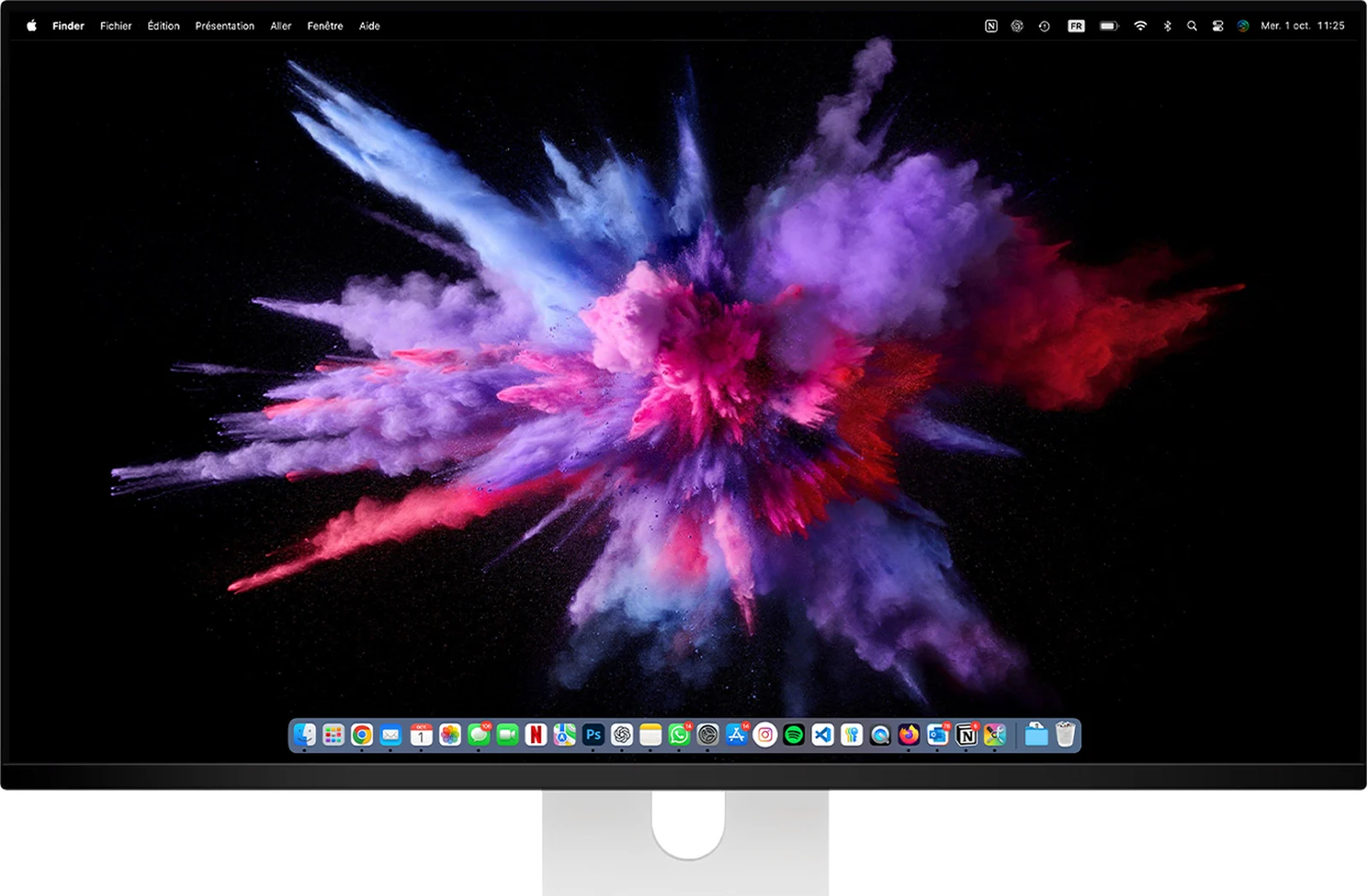
What burn-in actually is
On an OLED panel there is no backlight: every pixel produces its own light, and can switch off completely. That is where the infinite contrast and the true blacks come from. The counterpart is that each pixel ages with use, a little faster when it shines brightly.
As long as all pixels age at roughly the same pace, nothing shows. Burn-in appears when the same static element stays on screen for hundreds of hours, at the same place and at high brightness: those pixels wear faster than their neighbours, and a faint ghost of the element remains visible on uniform backgrounds.
The risk by use
What matters is static content, not hours
The same eight hours a day can be harmless or demanding depending on what stays on screen.
| Static elements | Riskwith default settings | |
|---|---|---|
| Films, series, varied games | few, the image changes constantly | low |
| Photo and video editing | palettes and timelines, but sessions vary | moderate |
| Office work with a fixed layout | menu bar, Dock or taskbar, same windows every day | higher |
| Same game for hours (HUD, minimap) | interface fixed at the same place | higher |
| Dashboards, trading, screens left on | everything static, all day long | high, prefer an IPS |
Qualitative guidance: the real risk depends on brightness, hours of use and the settings below.
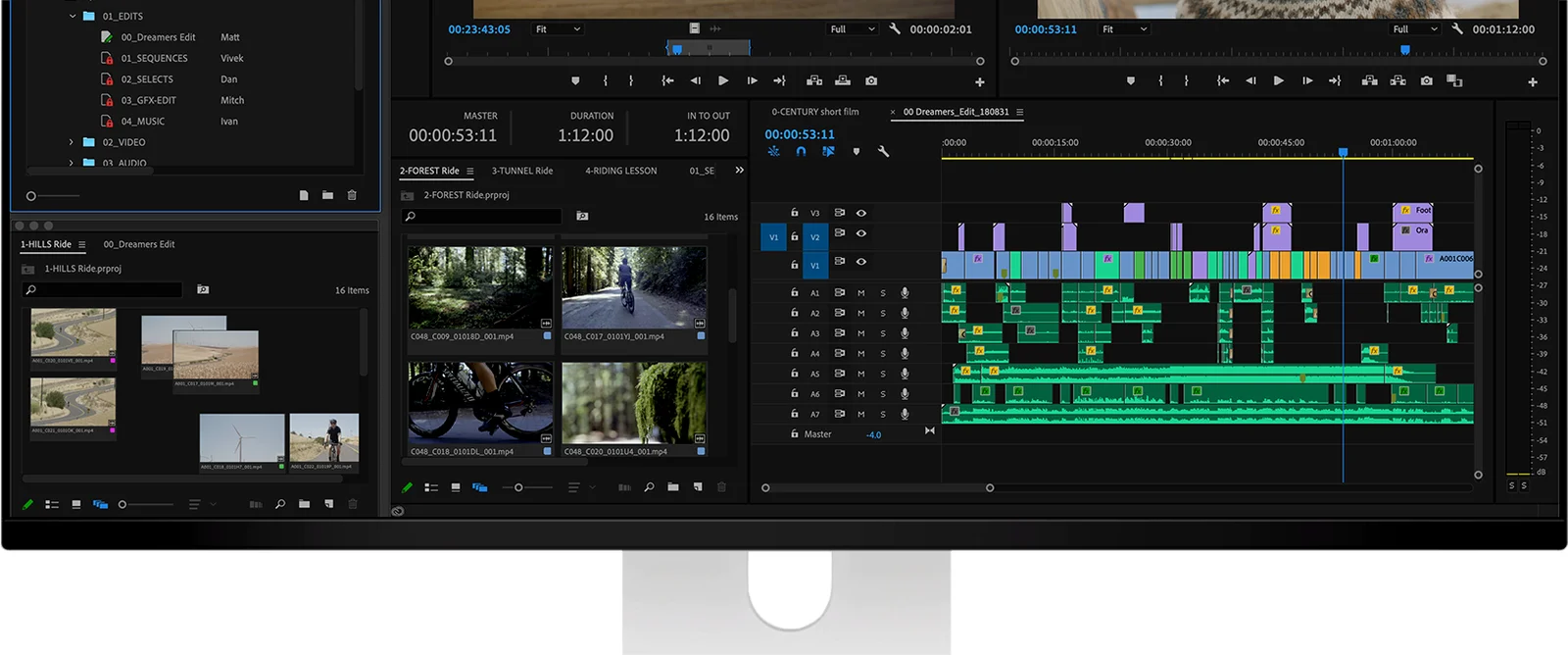
What the Q32S does on its own
The Q32S uses a Samsung QD-OLED panel, which includes several protections against burn-in. They work without you having to think about them:
- Pixel shifting: the image moves by a few pixels from time to time, so that the edges of a static element do not always fall on the same pixels. The movement is too small to notice in use.
- Panel refresh cycles: the monitor periodically measures and compensates for the uneven wear of its pixels.
- ABL (Auto Brightness Limiter): brightness is automatically limited when a large part of the screen is bright, which reduces the stress on the pixels. This is why the Q32S holds 250 nits over the whole screen, while reaching 1000 nits on HDR highlights.
The panel is also DC-dimmed, without PWM flicker, and its glossy finish keeps blacks truly black.
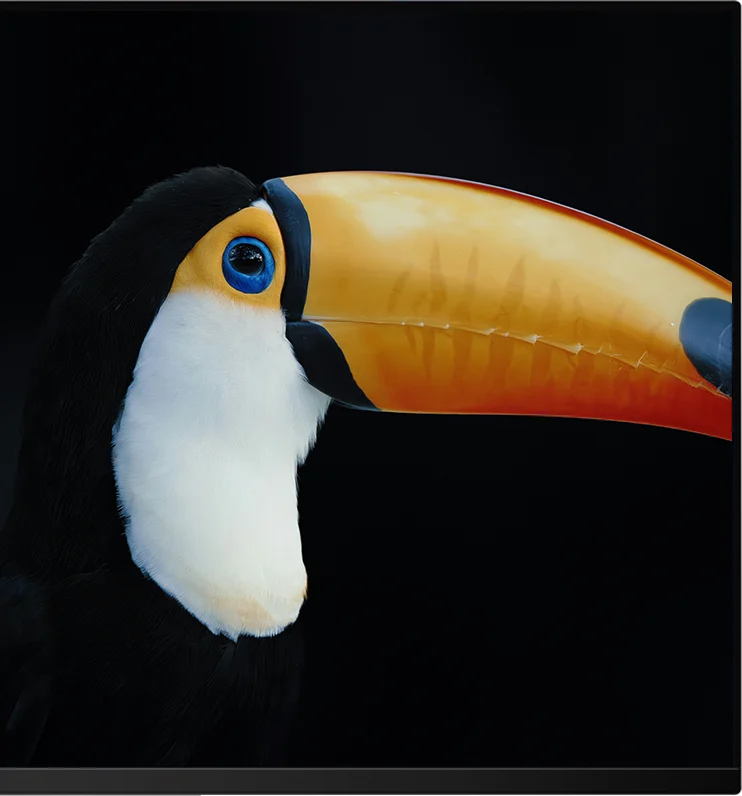
In practice
Six settings that protect your panel
Hide the Dock and the menu bar
On a Mac, enable automatic hiding of the Dock and of the menu bar in System Settings. On Windows, enable automatic hiding of the taskbar. These are the elements that stay on screen the longest.
Let the display go to sleep
Set the display to turn off after a few minutes of inactivity, or use a screen saver. An unused screen should never show a static image for hours.
Keep a moderate brightness in SDR
For office work, a comfortable brightness is enough: there is no need to set the panel to maximum. HDR highlights stay intact, since they only light small areas for a short time.
Prefer dark mode and vary the wallpaper
Dark mode lights fewer pixels at high level, and a wallpaper or a layout that changes avoids always loading the same areas.
Leave the protections enabled
Keep pixel shifting active in the on-screen menu, and let the panel carry out its refresh cycles when it asks to.
Turn it off when you leave
A monitor that stays on all night with a static window is the main cause of burn-in. Switching it off costs nothing.
And the warranty?
The Kuycon warranty covers material and manufacturing defects: 2 years worldwide. Burn-in caused by static content displayed for long periods is wear related to use, not a manufacturing defect, and is therefore not covered. This is why the settings above matter: they are what keeps an OLED panel uniform over the years.
Our advice
OLED or IPS: which one for your use?
The Q32S is for you if
- you play, watch films or work on HDR images
- you want perfect blacks and an instant response (0.03 ms, 240 Hz)
- your use varies through the day
- you are ready to apply the six settings above
For a 32-inch 4K IPS with a high refresh rate, the P32T is the alternative without any burn-in question. Our guide to panel types compares all the technologies in the range.
FAQ
OLED burn-in: frequently asked questions
Is OLED burn-in permanent?
Yes. Burn-in is uneven wear of the pixels and does not disappear. A trace that fades after a few seconds or minutes is temporary image retention, which is not burn-in.
Does the Kuycon warranty cover burn-in?
No. The warranty covers material and manufacturing defects (2 years worldwide). Burn-in caused by static content displayed for long periods is wear related to use, not a defect.
Can I use the Q32S for office work?
Yes, provided you hide the Dock, menu bar or taskbar, let the display sleep when idle and keep a moderate brightness. For a fixed layout displayed all day, every day, an IPS monitor is a safer choice.
Does dark mode help against burn-in?
Yes. Dark mode lights fewer pixels at high level, which reduces their wear. Combined with automatic hiding of the static elements, it is one of the most effective settings.
Is pixel shifting visible on screen?
No. The image moves by only a few pixels, too little to notice in normal use. It prevents the edges of static elements from always falling on the same pixels.

Kuycon Q32S
32-inch 4K QD-OLED, 240 Hz, 0.03 ms, HDR up to 1000 nits, one USB-C cable with 100 W of charging. From 1 279,00 €.
See the Q32SGuide written in October 2026 from the manufacturer's specifications. Prices are shown in your currency.