
Mac guide · 2026
How many monitors can your Mac drive?
It depends on the chip, not on the number of ports. A MacBook Air M2 drives one external display, a MacBook Pro M5 Max drives four, a Mac Studio up to eight. Here is the exact figure for every Apple silicon Mac, taken from Apple's specifications, and what to do when yours only takes one.
First, find your chip
Open the Apple menu, then About This Mac: the line Chip shows M1, M2, M3, M4 or M5, sometimes followed by Pro, Max or Ultra. That name, more than the model or the year, sets the number of external displays.
MacBook Air
MacBook Air
| Chip | External displays | Conditionsaccording to Apple |
|---|---|---|
| M1 | 1 | up to 6K at 60 Hz |
| M2 | 1 | up to 6K at 60 Hz |
| M3 | 1, or 2 with the lid closed | second display up to 5K at 60 Hz, lid closed, with macOS Sonoma 14.3 or later, an external keyboard and mouse, and power connected |
| M4 | 2 | two at up to 6K at 60 Hz or 4K at 144 Hz; closing the lid does not add a third |
| M5 | 2 | same as M4 |
| MacBook Neo | 1 | up to 4K at 60 Hz, on the left USB-C port |
MacBook Pro
MacBook Pro
| Chip | External displays | Conditionsaccording to Apple |
|---|---|---|
| M1, M2 (13-inch) | 1 | up to 6K at 60 Hz |
| M3 | 1, or 2 with the lid closed | second display with the lid closed, with macOS Sonoma 14.6 or later |
| M4, M5 | 2 | two at up to 6K at 60 Hz or 4K at 144 Hz |
| M1 Pro, M2 Pro, M3 Pro, M4 Pro | 2 | two at up to 6K at 60 Hz |
| M5 Pro | 3 | three at up to 6K at 60 Hz or 4K at 144 Hz |
| M1 Max, M2 Max, M3 Max, M4 Max, M5 Max | 4 | on M1 Max, three at up to 6K plus one at up to 4K |
Desktop Macs
Mac mini, Mac Studio and iMac
| Mac | External displays | Conditionsaccording to Apple |
|---|---|---|
| Mac mini M1, M2 | 2 | one over Thunderbolt and one over HDMI, or two over Thunderbolt on M2 |
| Mac mini M2 Pro, M4, M4 Pro, M5 Pro, M6 | 3 | at least two at up to 6K at 60 Hz; the resolution of the third depends on the model and the port used |
| Mac Studio M1 Max, M1 Ultra, M2 Max, M4 Max, M5 Max | 5 | four over Thunderbolt plus one over HDMI |
| Mac Studio M2 Ultra, M3 Ultra, M5 Ultra | 8 | eight requires a daisy chain or a dock on the front Thunderbolt ports; on M2 Ultra, eight at 4K at 60 Hz |
| iMac M1, iMac M3, iMac M4 with two ports | 1 | up to 6K at 60 Hz |
| iMac M4 with four ports | 2 | two at up to 6K at 60 Hz, or one at 8K |
Source: Apple technical specifications and support articles, checked in October 2026. Apple may update these figures with new macOS versions.
Why a hub or a dock does not add displays
It is the most common trap. A Thunderbolt dock or daisy-chained monitors let you connect several displays through a single port, but Apple is clear: they do not raise the maximum number of displays your Mac supports. On a MacBook Air M2, a dock with three video outputs will still only light one external screen.
Some USB adapters based on DisplayLink technology add extra screens through a software driver. Apple does not mention them: the image is compressed by software, which can suit office work, but not colour work, video or games.
The lid-closed trick on M3
The MacBook Air M3 and the MacBook Pro M3 can drive a second external display, but only with the lid closed: the built-in screen then gives up its place. You need power connected, an external keyboard and mouse, and macOS Sonoma 14.3 or later on the MacBook Air, 14.6 or later on the MacBook Pro. From M4 onwards, two external displays work with the lid open, and closing it does not add a third.
The workaround
Your Mac only takes one display? Make it a big one
A single ultrawide or very high-resolution screen counts as one display, but gives you the room of two.
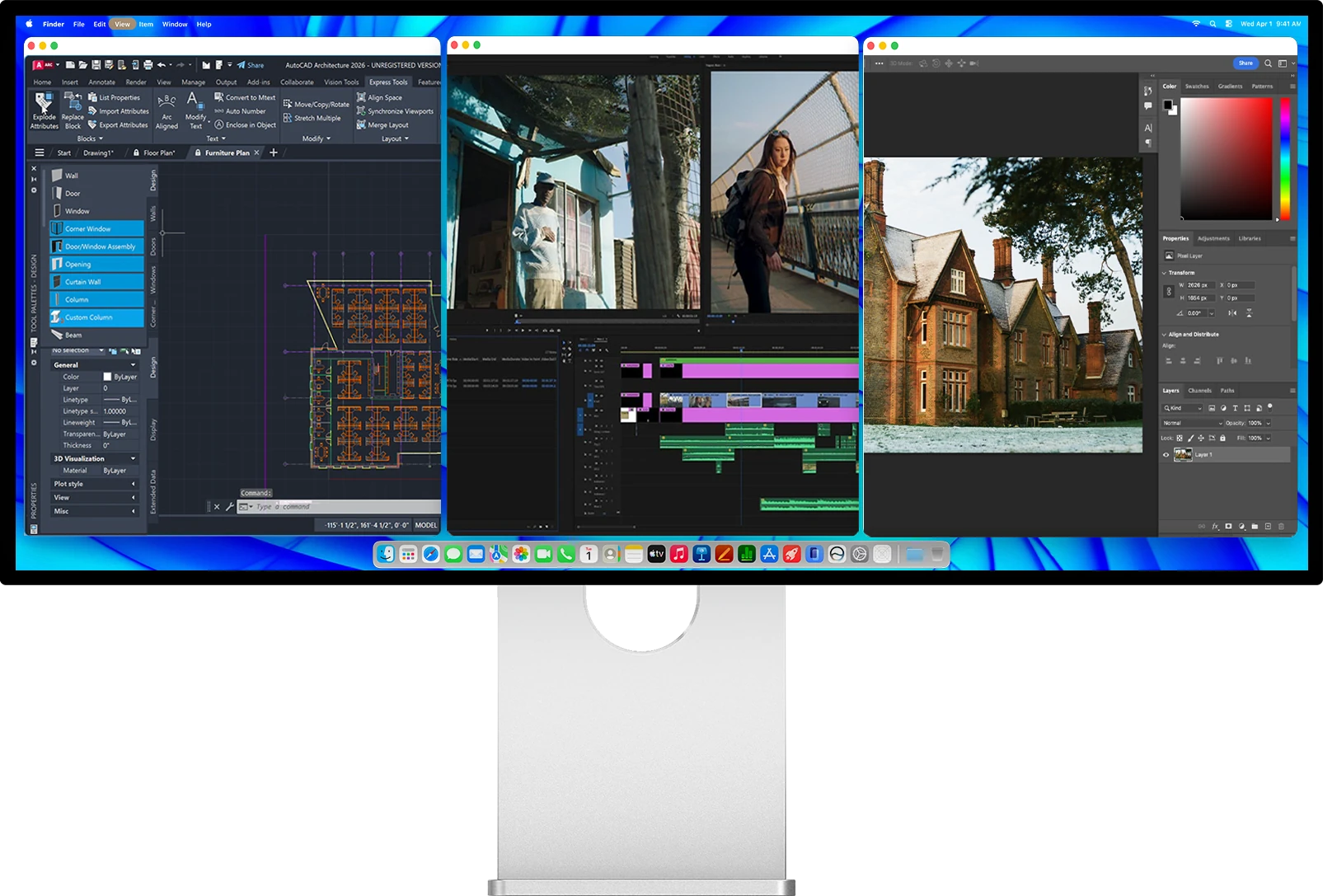
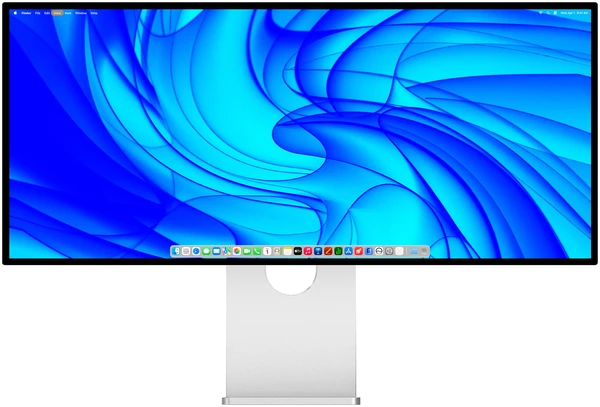
Kuycon W34KB
34" · 5120 × 2160 · 180 Hz
From 1 119,00 €
Why it works: 5120 pixels across, the width of two screens without the bezel in the middle, and one USB-C cable that also charges your MacBook.
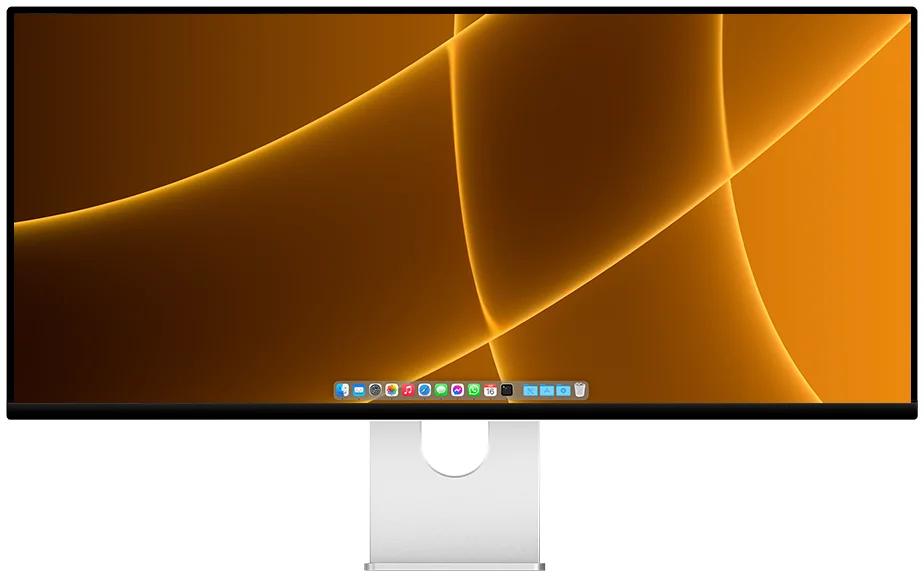
Kuycon P40K
40" · 5120 × 2160 · 120 Hz
From 1 279,00 €
Why it works: the same pixels on a larger 40-inch panel, a matte finish, and a canvas that replaces two 27-inch monitors on the desk.
If you prefer height and Retina sharpness to width, a 32-inch 6K such as the G32P also gives far more room than a standard monitor. We compare both approaches in one P40K or two 27-inch monitors.
FAQ
Monitors on a Mac: frequently asked questions
Can a MacBook Air M1 or M2 use two external monitors?
Not natively: the MacBook Air M1 and M2 support one external display. The simplest way to gain room is a single ultrawide or 6K monitor, which counts as one display.
How many external monitors on a MacBook Air M3?
One with the lid open, two with the lid closed, with power connected, an external keyboard and mouse, and macOS Sonoma 14.3 or later.
Does a dock let me connect more monitors to my Mac?
No. According to Apple, a dock or daisy-chained displays let you use several screens through one port, but they do not increase the maximum number of displays your Mac supports.
How many monitors on a Mac mini M4?
Three external displays, up to 6K at 60 Hz, over Thunderbolt and HDMI depending on the configuration.
Does closing the lid add a display on an M4 or M5 MacBook?
No. The MacBook Air and MacBook Pro M4 and M5 drive two external displays with the lid open, and closing the lid does not add a third.
More room, on a single display
Ultrawide 5K2K, 32-inch 6K or 27-inch 5K: every Kuycon connects to a Mac over one USB-C cable. Shipped from Europe, with after-sales service in Europe.
See the rangeGuide written in October 2026 from Apple's technical specifications. Prices are shown in your currency.