
Uses · 2026
A monitor, for films too
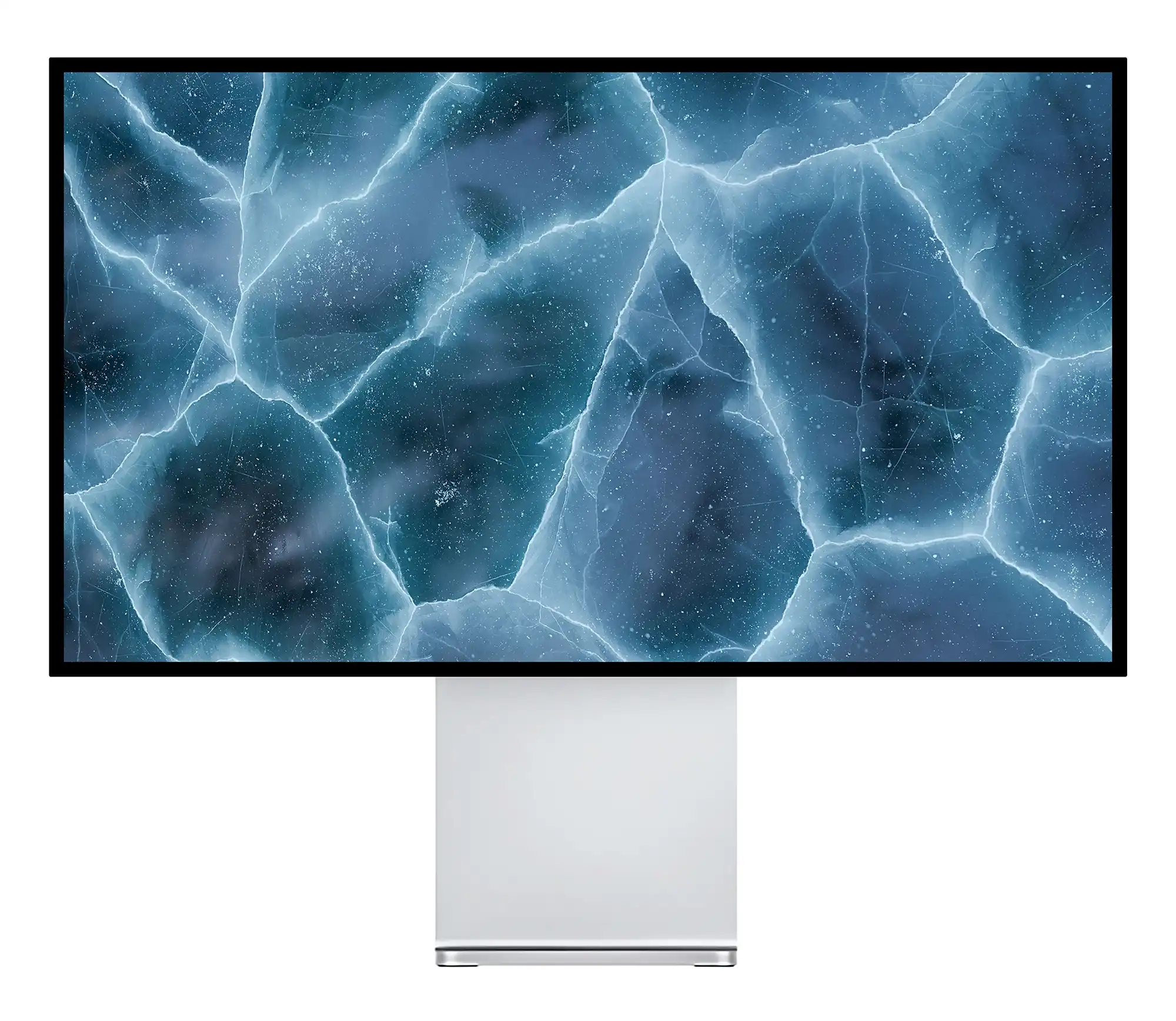
In a studio, a bedroom or an office, a good monitor can replace a TV. Plug in an Apple TV or a streaming stick and you have every streaming service, on a denser and often more contrasted panel than a television of the same size. Here is what it changes, what it lacks, and how to get good sound.
What a monitor does better
A computer monitor is designed to be seen up close. At equal size, it has a higher pixel density than most TVs, a faster response and colours set for content creation. A 32-inch 4K monitor at 139 ppi stays sharp at the distance of a desk or a bed, where a TV would show its pixels.
It also takes up less space, mounts on a VESA arm or a wall, and serves as a computer screen during the day. For a small room, it is one screen instead of two.
What it lacks
A monitor has no TV tuner: it does not receive broadcast channels on its own. It also has no built-in apps: streaming services come from a device you connect, such as an Apple TV, a streaming stick, a games console or a computer. Most monitors also have no speakers, and that is the point to plan for.
Connection
Connect a streaming device
Plug the device into an HDMI port
An Apple TV, a streaming stick or a console connects with an HDMI cable, like on a TV. On monitors with two HDMI 2.1 ports, such as the P27Z, the P32T or the G32P, the Apple TV and a console stay connected at the same time.
Select the input with the remote control
Most Kuycon monitors come with a remote control: use it to switch from the computer to the HDMI input, and to adjust the brightness from the sofa or the bed.
Let the device choose the format
An Apple TV reads what the monitor accepts and adapts its resolution, frame rate and HDR on its own. In its video settings, the options to match content to the frame rate and the dynamic range of the film are worth turning on.
Which format on which monitor
4K monitors (P27D, P32K, P32T, Q32S) display a 4K film pixel for pixel. 5K and 6K monitors (G27P, P27Z, G32P) enlarge the 4K image to their resolution: on video, this enlargement is invisible. Ultrawide monitors (Q34W, W34KB, P40K) show 16:9 programmes with black bars on the sides, which is normal for this format.
HDR: where OLED makes the difference
For films in a dark room, the Q32S in QD-OLED is the reference: its pixels switch off completely, the blacks are true blacks and the highlights reach 1 000 nits in HDR. The P32T, certified HDR 600, offers more brightness for a lit room, at a lower price.

Sound
Three ways to get sound
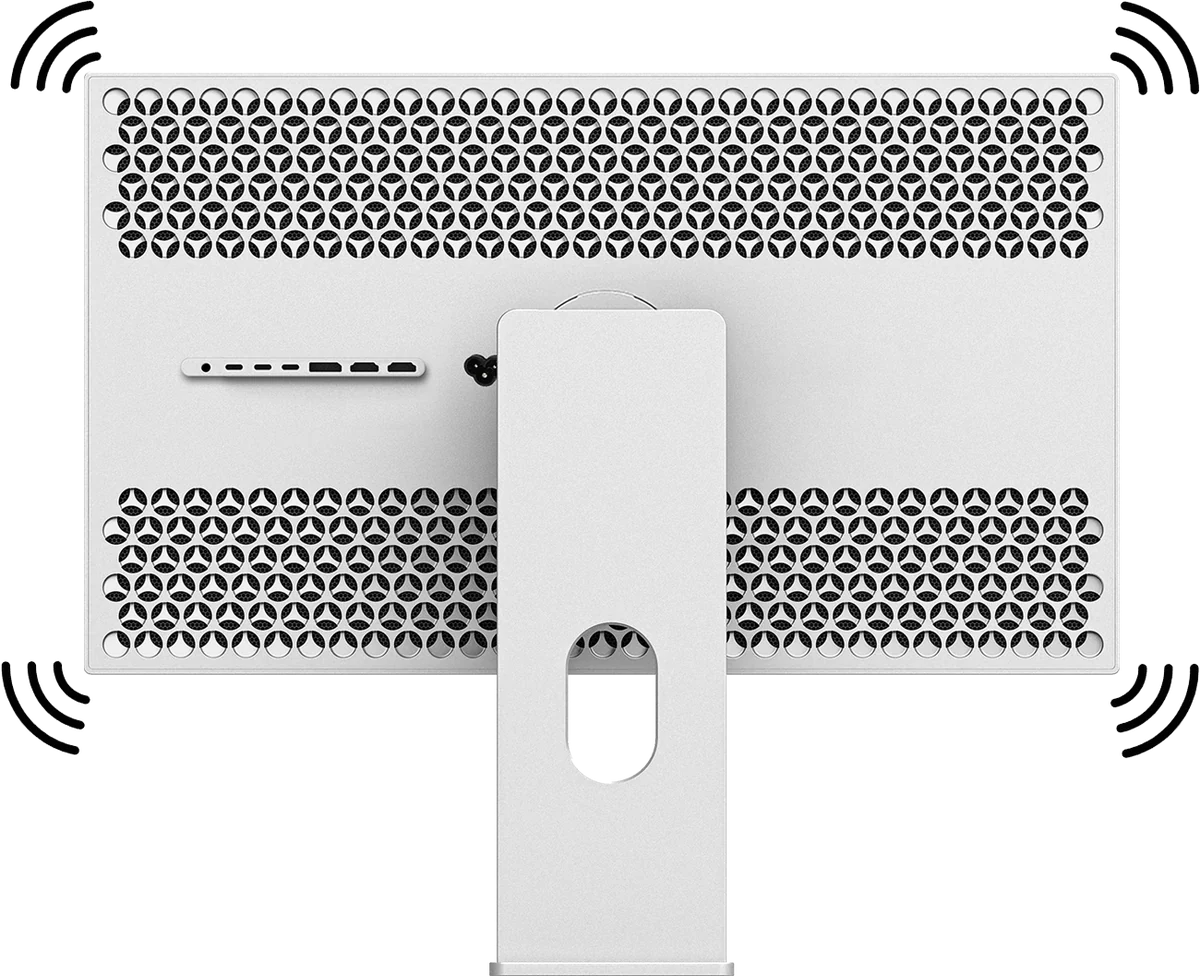
Built-in speakers
The perforated versions of the P27Z and the P32T have built-in speakers: the simplest solution, with nothing to add, for a bedroom or an office.
Headphones or speakers on the monitor
Most Kuycon monitors have a 3.5 mm audio jack. Plug in wired headphones or a pair of powered speakers, and the sound of the HDMI device comes out there.
Wireless, from the streaming device
An Apple TV sends the sound directly to AirPods, Bluetooth headphones or a HomePod, without going through the monitor. The volume is then set with the Apple TV remote, and it is the best solution for watching a film late without disturbing anyone.
Our recommendation
Films in a dark room, HDR, gaming: the Q32S, for its OLED blacks.
Everything in one screen, with sound: the perforated P32T, with its speakers, its HDR 600 and its two HDMI 2.1 ports.
Work by day, film at night, on a Mac: the P27Z, 5K for work and 4K content enlarged without visible loss.
To connect a console as well, see our guide which monitor for a PS5, an Xbox or a Switch.
FAQ
A monitor as a TV: frequently asked questions
Can I connect an Apple TV to a computer monitor?
Yes. An Apple TV connects to the HDMI port of the monitor like on a TV, and adapts its resolution and HDR to what the monitor accepts.
Can a monitor receive TV channels?
No. A monitor has no TV tuner. Channels and streaming services come from a connected device: Apple TV, streaming stick, TV box or computer.
How do I get sound from a monitor without speakers?
Through the 3.5 mm audio jack of the monitor, with headphones or powered speakers, or wirelessly from the Apple TV to AirPods, Bluetooth headphones or a HomePod.
Which Kuycon monitors have built-in speakers?
The perforated versions of the P27Z and the P32T. Most other models have a 3.5 mm audio jack for headphones or speakers.
Which Kuycon monitor for watching films?
The Q32S in QD-OLED for films in a dark room, thanks to its true blacks and its 1,000-nit HDR peak. The perforated P32T if you want built-in sound and two HDMI 2.1 ports.
One screen, day and night
The Q32S from 1 279,00 €, the P32T from 819,00 €. Shipped from Europe, with after-sales service in Europe.
See the rangeGuide written in October 2026 from the manufacturer's specifications. Prices are shown in your currency.