
Head to head · 2026
P27ZB or P27Z? Resolution against refresh rate
The two fastest 27-inch monitors in the range, €130 apart. One favours Retina density, the other speed and contrast. The choice comes down to a simple question: do you work on a Mac?
Comparison
The two fast 27-inch monitors
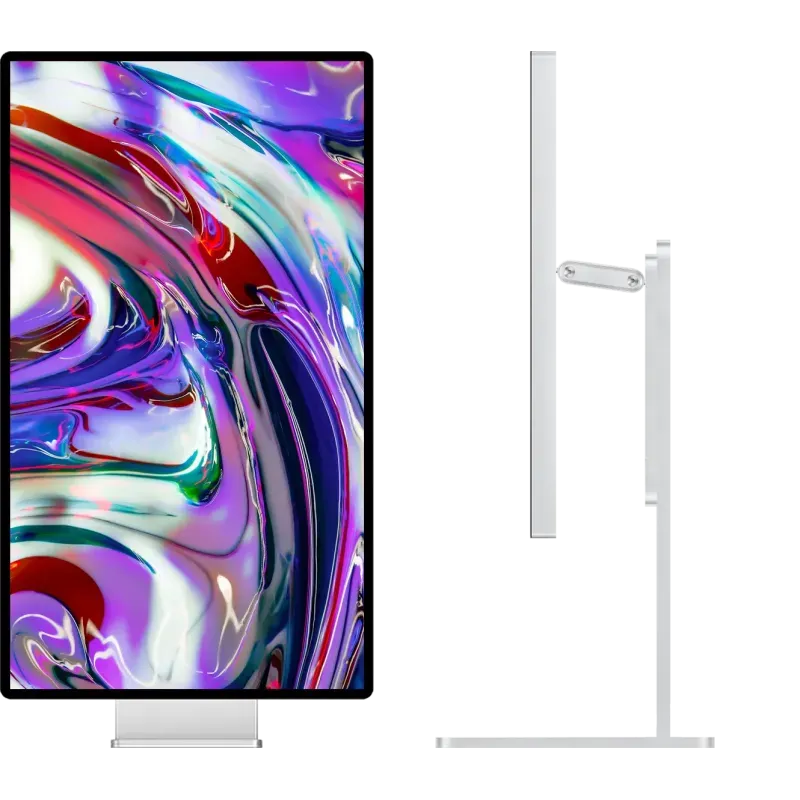
Kuycon P27ZB
27" · 4K · 240 Hz · Nano IPS Black
From 939,00 € incl. VAT
- Resolution3840 × 2160
- Density163 ppi
- Refresh rate240 Hz
- Contrast2000:1
- Delta E< 2
- Finishmatte
Why we recommend it: 240 Hz with 2000:1 contrast and calibration to ΔE below 2 is a rare combination. And its 4K stays within what Apple documents as supported on the M5 Pro and M5 Max chips.
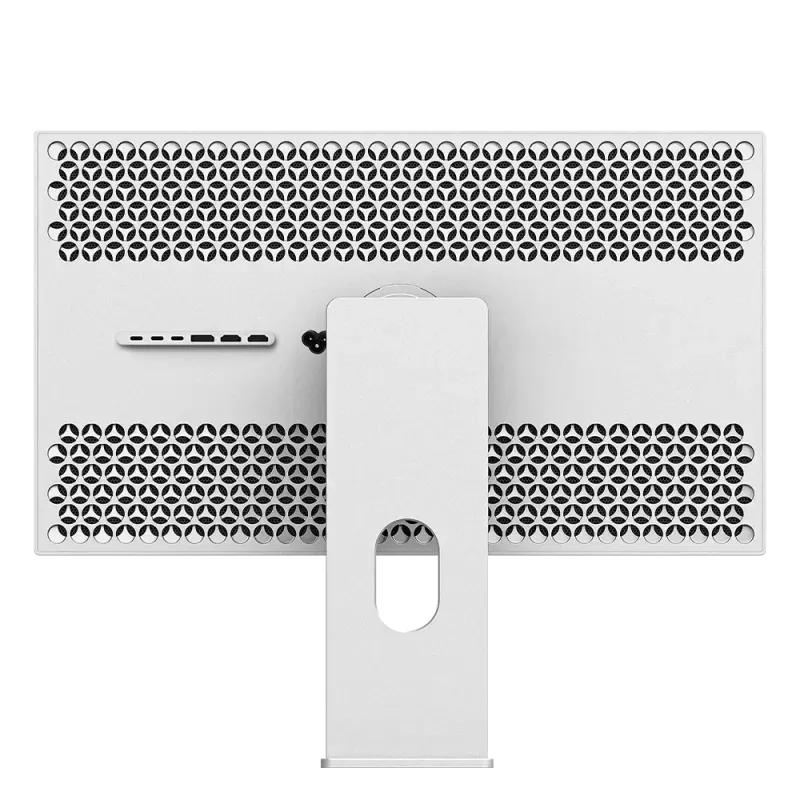
Kuycon P27Z
27" · 5K · 180 Hz · IPS
From 1 069,00 € incl. VAT
- Resolution5120 × 2880
- Density218 ppi
- Refresh rate180 Hz
- Contrast1500:1
- eSports mode330 Hz QHD
- Finishglossy
Why we recommend it: 218 ppi is the exact Retina density macOS expects. On a Mac, text there is crisp in a way a 27-inch 4K does not reach.
| P27ZB | P27Z | |
|---|---|---|
| Resolution | 3840 × 2160 | 5120 × 2880 |
| Density | 163 ppi | 218 ppi — Retina |
| Refresh rate | 240 Hz | 180 Hz |
| Fast mode | 480 Hz in FHD | 330 Hz in QHD |
| Panel | Nano IPS Black | IPS |
| Contrast | 2000:1 | 1500:1 |
| Colour | ΔE < 2, 99 % DCI-P3 | 98 % DCI-P3 |
| Finish | matte | glossy anti-reflective |
| On M5 Pro / Max | 4K 144 Hz documented | capped at 60 Hz |
| Price | 939,00 € | 1 069,00 € |
Manufacturer specifications. Prices are shown in your currency.
On a Mac, the question is settled by macOS
Two things weigh in, and they point the same way.
First density: macOS is designed around 218 ppi. A 27-inch 5K produces true Retina rendering there; a 27-inch 4K, at 163 ppi, forces non-native scaling that softens text. Advantage P27Z, clearly.
Then compatibility: on MacBook Pro M5 Pro and M5 Max, high-refresh 5K is currently capped at 60 Hz by macOS 26 and the Thunderbolt 5 firmware, while Apple documents 4K at 144 Hz. On those particular machines, the P27Z's 180 Hz does not come through — see our detailed article.
On a PC, the question is different
No platform limitation: both run at full refresh rate. The choice becomes a classic trade-off again.
- You game as a priority: the P27ZB. 240 Hz in 4K, 480 Hz in Full HD, 1 ms GtG, and 2000:1 contrast that changes dark scenes.
- You produce as a priority: the P27Z for resolution, or the G27P if refresh rate is of no use to you.
- You do both in equal measure: the P27ZB, because it gives up nothing on colour — ΔE below 2, factory calibrated — where 240 Hz monitors usually skip that.
Matte or glossy, the other difference
The P27ZB is matte, the P27Z glossy anti-reflective. That is not a detail: if there is a window behind you, matte will save you working around a reflection all day. In a room with controlled lighting, glossy preserves contrast better. The subject is covered in matte or glossy.
FAQ
P27ZB or P27Z: frequently asked questions
Which one to choose for a Mac?
The P27Z for sharpness: 218 ppi match the Retina density macOS expects. Beware, however, on MacBook Pro M5 Pro and M5 Max, where high-refresh 5K is currently capped at 60 Hz: the P27ZB in 4K keeps its smoothness there.
Which one for gaming on a PC?
The P27ZB: 240 Hz in 4K and 480 Hz in Full HD, against 180 Hz and 330 Hz in QHD for the P27Z. It adds 2000:1 contrast, twice that of most gaming monitors.
Is the P27ZB suitable for image work?
Yes: 99% DCI-P3, 10-bit, ΔE below 2 and Nano IPS Black contrast of 2000:1. That is what sets it apart from the usual 240 Hz monitors. It gives up only density against the 5K.
Why is the cheaper one the faster one?
Because a 4K panel costs less to produce than a 5K, and demands less bandwidth at equal refresh rate. The P27ZB invests that budget in speed and contrast rather than in resolution.
Which finish for a desk near a window?
The P27ZB, which is matte. The P27Z has a glossy anti-reflective coating, higher in contrast but more sensitive to a light source placed behind you.
Two ways of going fast at 27 inches
Retina density, or 240 Hz with the contrast. 2-year warranty in the European Union.
See both modelsComparison written in September 2026. The specifications are those published by the manufacturer; check the product page before buying.