
Head to head · Updated in 2026
Kuycon G27P or P27Z? The two 27-inch 5K monitors, decided
The same 5K panel, the same density of 218 ppi, the same format. The difference comes down to two points: refresh rate and contrast. And depending on what you do with your monitor, one of the two is considerably more logical.
Comparison
What separates them
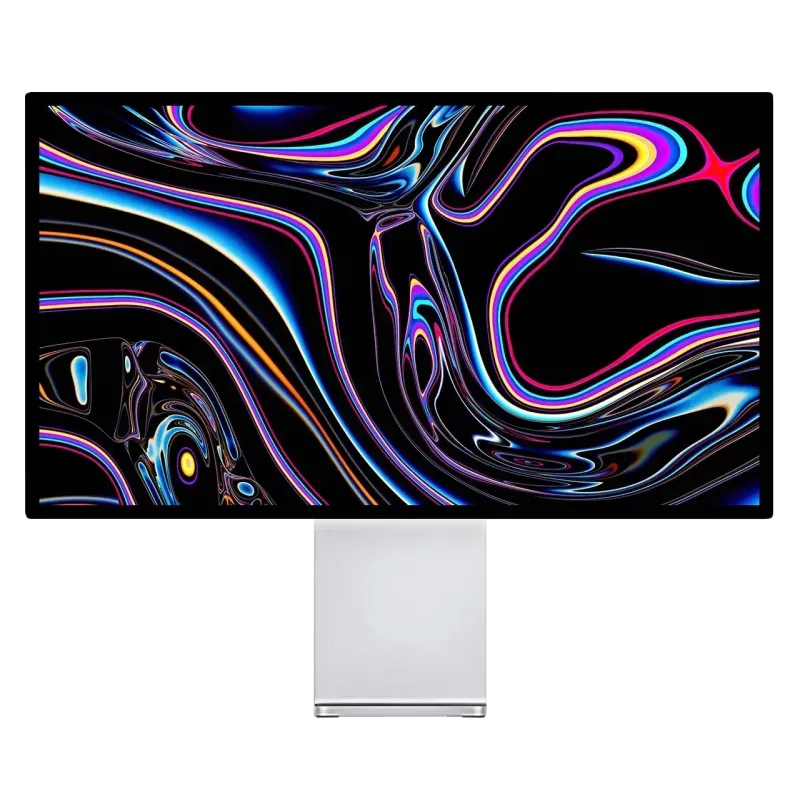
Kuycon G27P
27" · 5K · IPS Black · 75 Hz
From 939,00 € incl. VAT
- Contrast2000:1
- Brightness600 nits
- Refresh rate75 Hz
- Finishglossy
- Calibrationfactory
- USB-C100 W
Why we recommend it: the IPS Black contrast of 2000:1, twice that of a conventional IPS panel. For photography, text or design, that is what you see every day — far more than extra hertz.
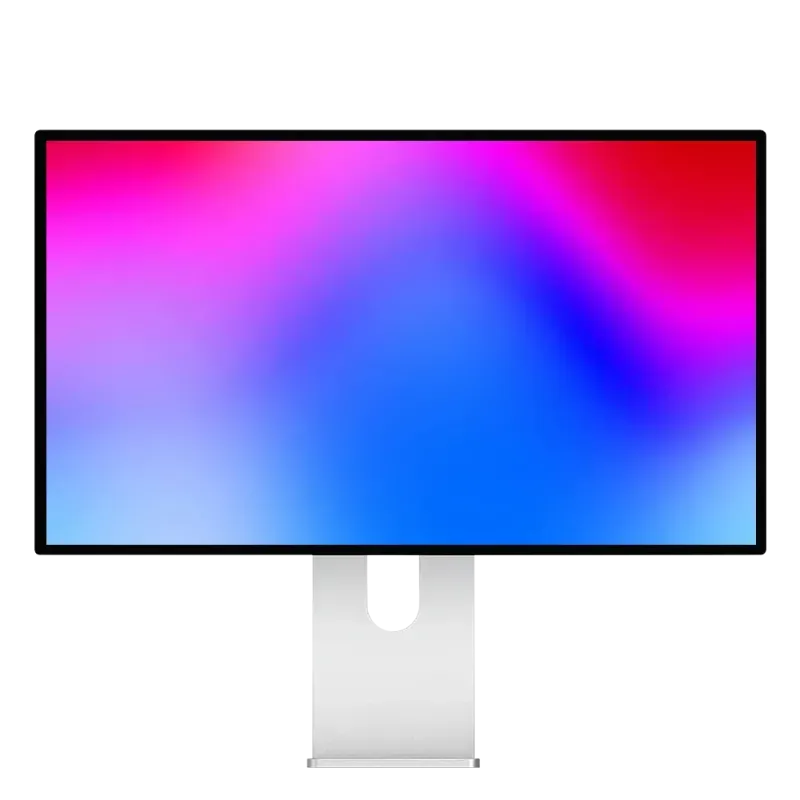
Kuycon P27Z
27" · 5K · IPS · 180 Hz
From 1 069,00 € incl. VAT
- Contrast1500:1
- Brightness600 nits
- Refresh rate180 Hz
- eSports mode330 Hz QHD
- HDRDisplayHDR 600
- DisplayPort2.1 UHBR20
Why we recommend it: it does everything the G27P does, and switches in the evening into a competition monitor. Its DisplayPort 2.1 UHBR20 is the fastest connectivity in the range.
| G27P | P27Z | |
|---|---|---|
| Resolution | 5120 × 2880 | 5120 × 2880 |
| Density | 218 ppi | 218 ppi |
| Panel | IPS Black | IPS |
| Contrast | 2000:1 | 1500:1 |
| Refresh rate | 75 Hz | 180 Hz |
| eSports mode | — | 330 Hz in QHD |
| HDR | Yes | DisplayHDR 600 |
| DisplayPort | 1.4 (DSC) | 2.1 UHBR20 |
| Finish | glossy anti-reflective | glossy anti-reflective |
| Price | 939,00 € | 1 069,00 € |
Manufacturer specifications. Prices are shown in your currency.
The point everyone misses
People spontaneously compare 75 Hz and 180 Hz, and the P27Z seems to win from the start. But the other gap is at least as important: 2000:1 against 1500:1. The G27P uses an IPS Black panel, the P27Z an improved conventional IPS.
On an underexposed photo, an interface in dark mode or a night scene, that extra third of contrast is visible all the time. Hertz, on the other hand, are only visible on what moves. If your monitor is for image work or for reading text eight hours a day, the G27P is the better choice — and it costs less.
When the P27Z is the clear choice
- You game seriously. eSports mode drops to 2560 × 1440 at 330 Hz — exactly half the native resolution, so with no blurry interpolation.
- You want one monitor for everything. Crisp work by day, competition in the evening, with no second setup.
- You are on a PC with recent connectivity. DisplayPort 2.1 UHBR20 is what makes native 5K at 180 Hz possible.
The verdict in one sentence
G27P if the monitor is for producing: better contrast, cheaper, and refresh rate does not come into it. P27Z if the monitor is also for gaming on a PC: it is the only 5K in the range that switches into a competition monitor.
FAQ
G27P or P27Z: frequently asked questions
Which one for photography or editing?
The G27P: its IPS Black contrast of 2000:1 makes shadows readable, where the P27Z tops out at 1500:1. It is also cheaper, and refresh rate has no bearing on that work.
Does the difference in refresh rate show in office work?
On cursor movement and scrolling, yes, slightly. On displayed text, not at all: sharpness depends on resolution, which is identical on both.
Is the P27Z a good work monitor?
Very good: the same resolution, the same density, the same brightness of 600 nits, with DisplayHDR 600 certified HDR on top. It gives up only contrast against the G27P.
On a MacBook Pro M5 Pro, which should you choose?
The G27P. High-refresh 5K is currently capped at 60 Hz on the M5 Pro and M5 Max chips by macOS 26: you would be paying for the P27Z for a refresh rate the machine cannot use today.
Is there a difference in finish?
No, both have a glossy anti-reflective coating and an aluminium chassis. The difference concerns the panel and the connectivity.
Two 5K monitors, two uses
The same resolution, the same Retina density. 2-year warranty in the European Union, after-sales service in Europe.
See the 5K monitorsComparison written in September 2026. The specifications are those published by the manufacturer; check the product page before buying.